







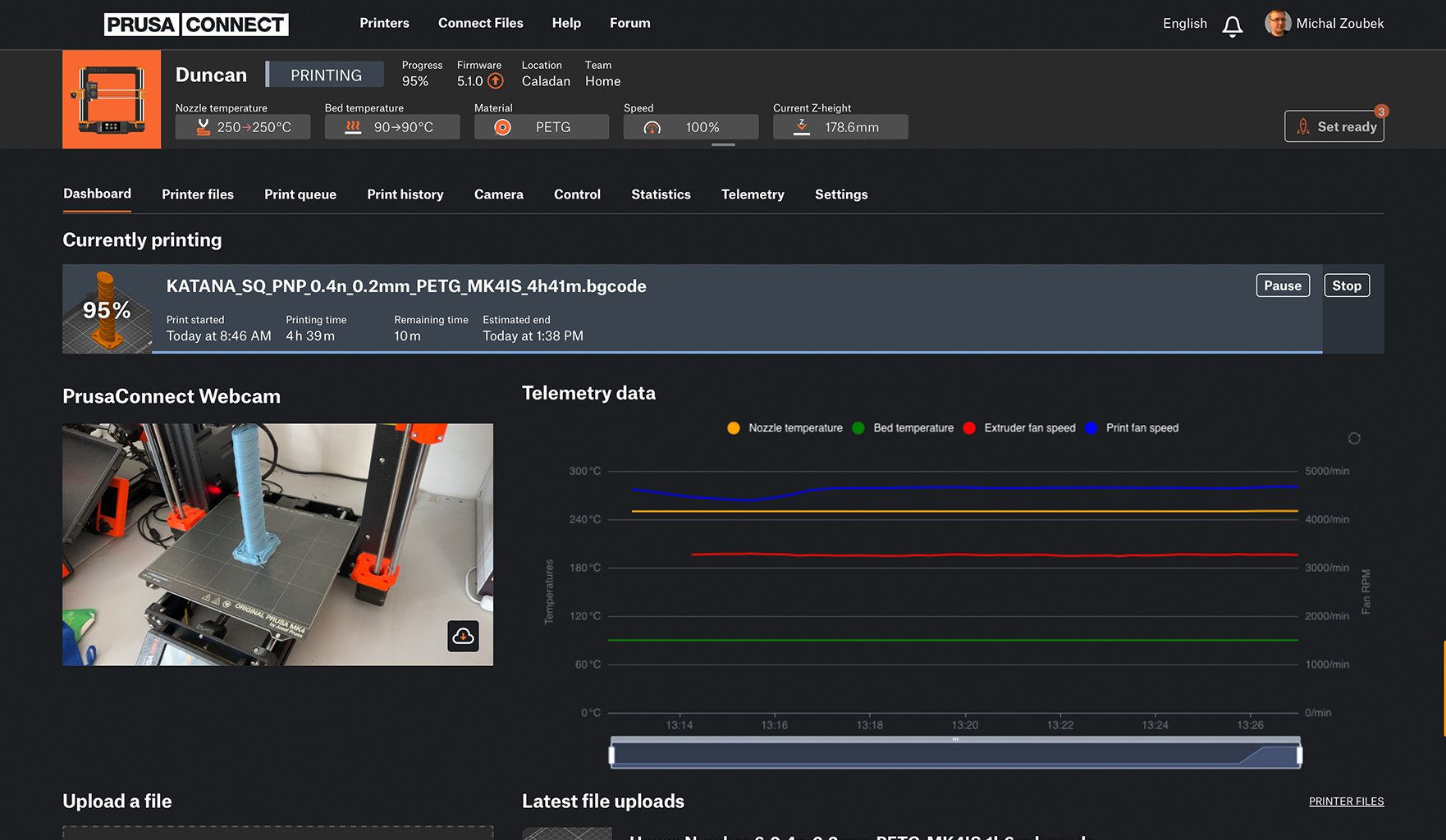
Remote control
Prusa Connect
Manage your printer fleet via Prusa Connect. Monitor progress, check webcams, and start jobs from any device without compromising privacy.
Turn a 3D file into a finished part. The software that powers the 3D printing industry. Free. Open-source. No account required. Runs on your machine.
PrusaSlicer 2.9.6 for Linux. Available via Flathub.
Try what's coming next. Pre-release builds keep their own configuration, so they run alongside your current version. We do not recommended using these in production environments.
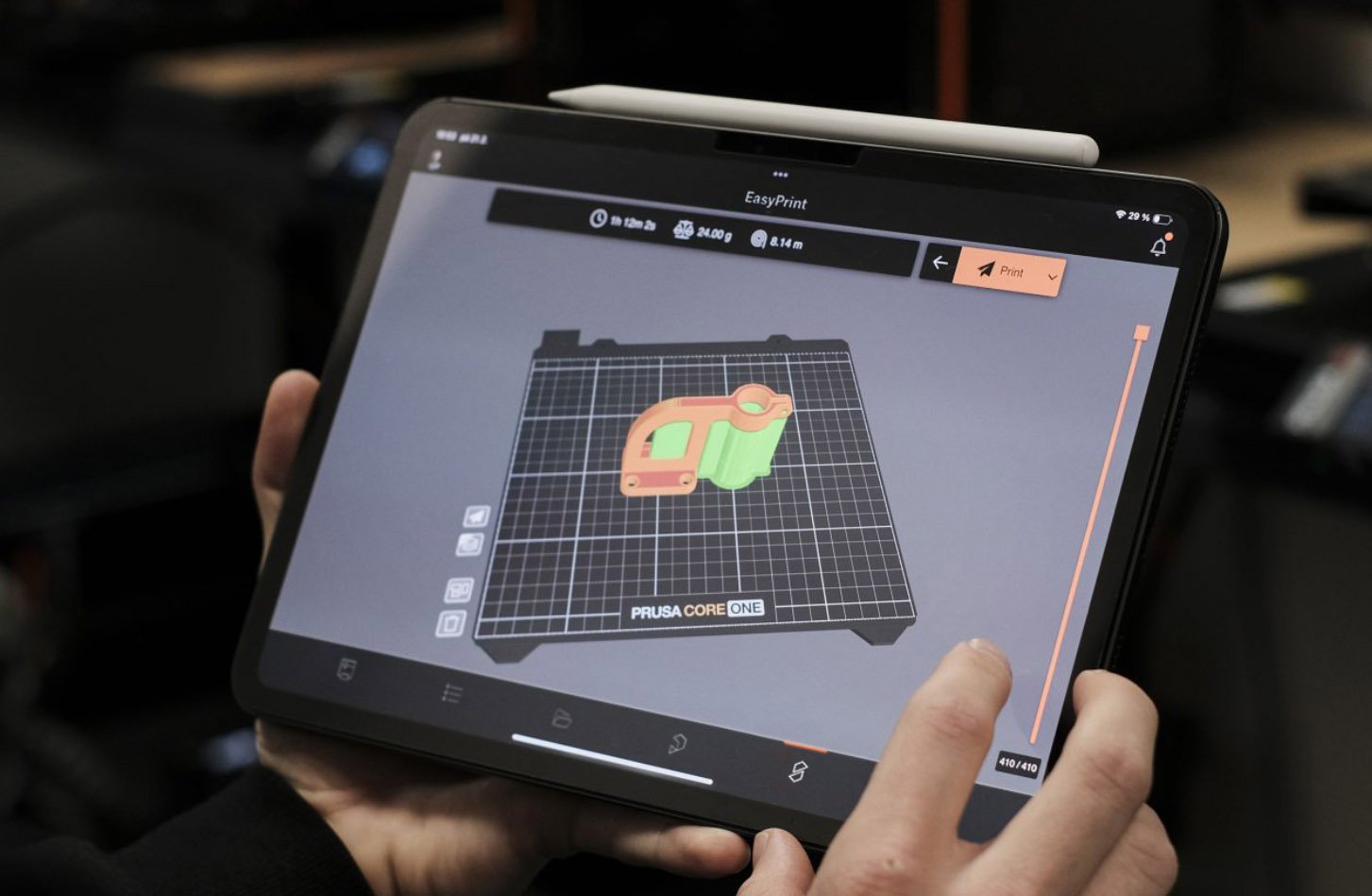
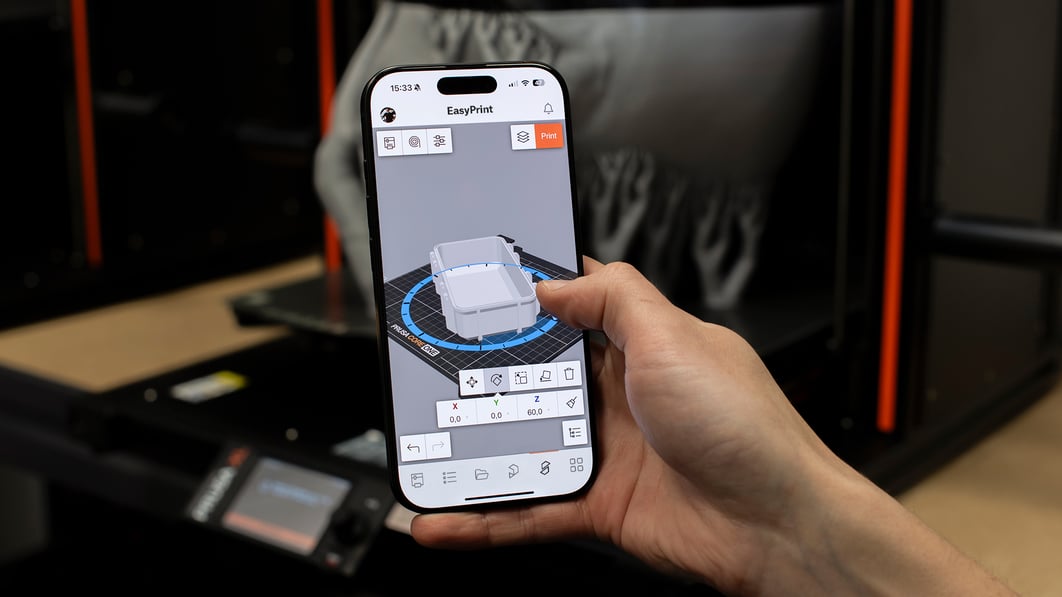
flatpak remote-add --if-not-exists flathub-beta \ https://flathub.org/beta-repo/flathub-beta.flatpakrepoflatpak install flathub-beta com.prusa3d.PrusaSlicerflatpak run com.prusa3d.PrusaSlicer//betaPrusaSlicer runs on Windows, Mac, and Linux. Need to start a print from the shop floor or the couch? EasyPrint uses the same proven engine on our servers, with a touch-friendly interface on your phone or tablet.
Three modes: Simple, Advanced, Expert. In one application. Begin with sensible defaults that work out of the box. When you're ready, unlock the full toolbox.

A structured learning path with sample projects, quizzes, and an official certificate of completion. Start with the basics, end up a power user.
What you get when the printer, slicer, and filament come from the same team.
Get notified about updates and new version releases
All slicing happens locally on your machine. Your 3D models, profiles, and G-code never leave your computer unless you explicitly send them somewhere. Suitable for air-gapped environments and secure manufacturing facilities. PrusaSlicer is based on the original open-source project Slic3r by Alessandro Ranellucci.
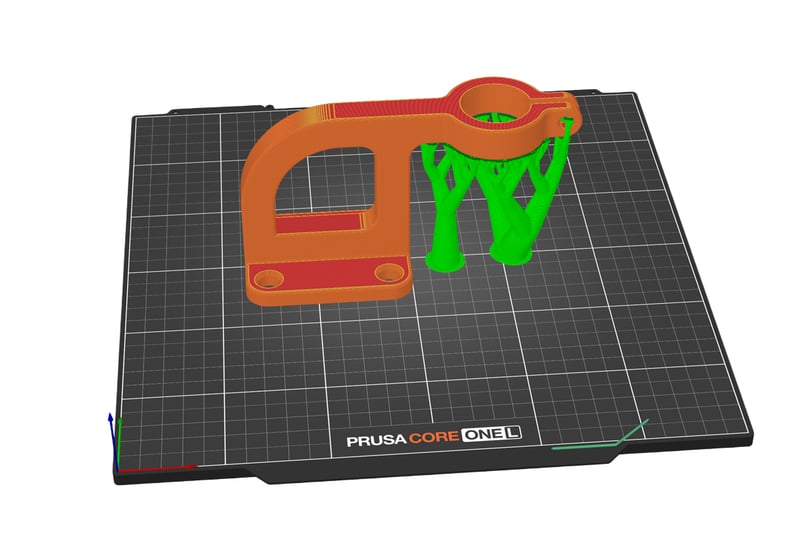
The software automatically generates organic-shaped supports that touch the model only where absolutely necessary. This results in dramatically less filament used, almost no marks on the finished surface, and supports that snap off by hand. Need full control? Paint support zones directly onto the model.
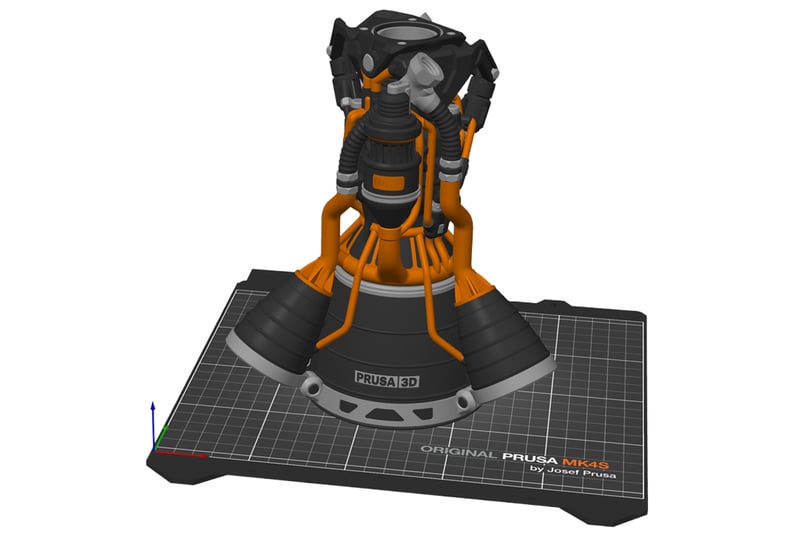
Paint material regions directly on the model surface using a smart fill and brush tool. Full support for MMU3 and multi-extruder setups. Wipe-into-infill minimizes waste at transitions. For single-extruder printers, schedule filament changes at specific layers for basic multicolor prints without extra hardware.
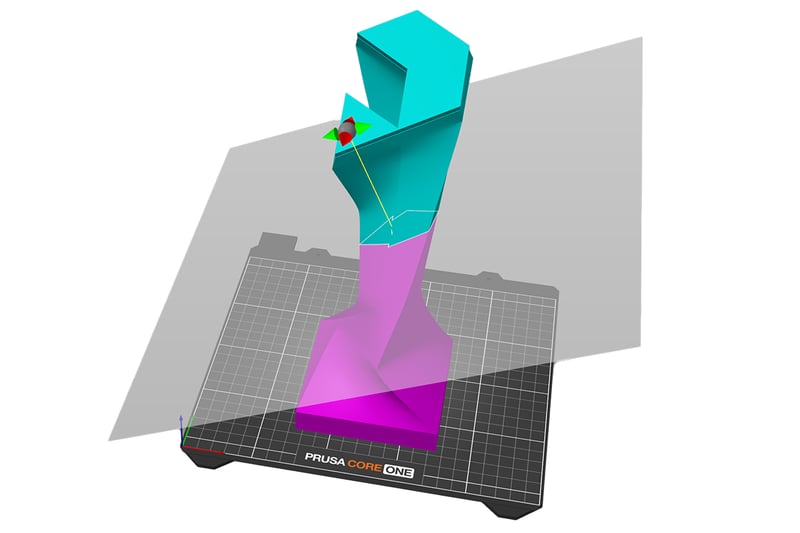
Model too big for the build plate? Split it with one cut. You choose where the plane goes, and the software adds alignment pins at the seam automatically. Print the pieces and snap them together.
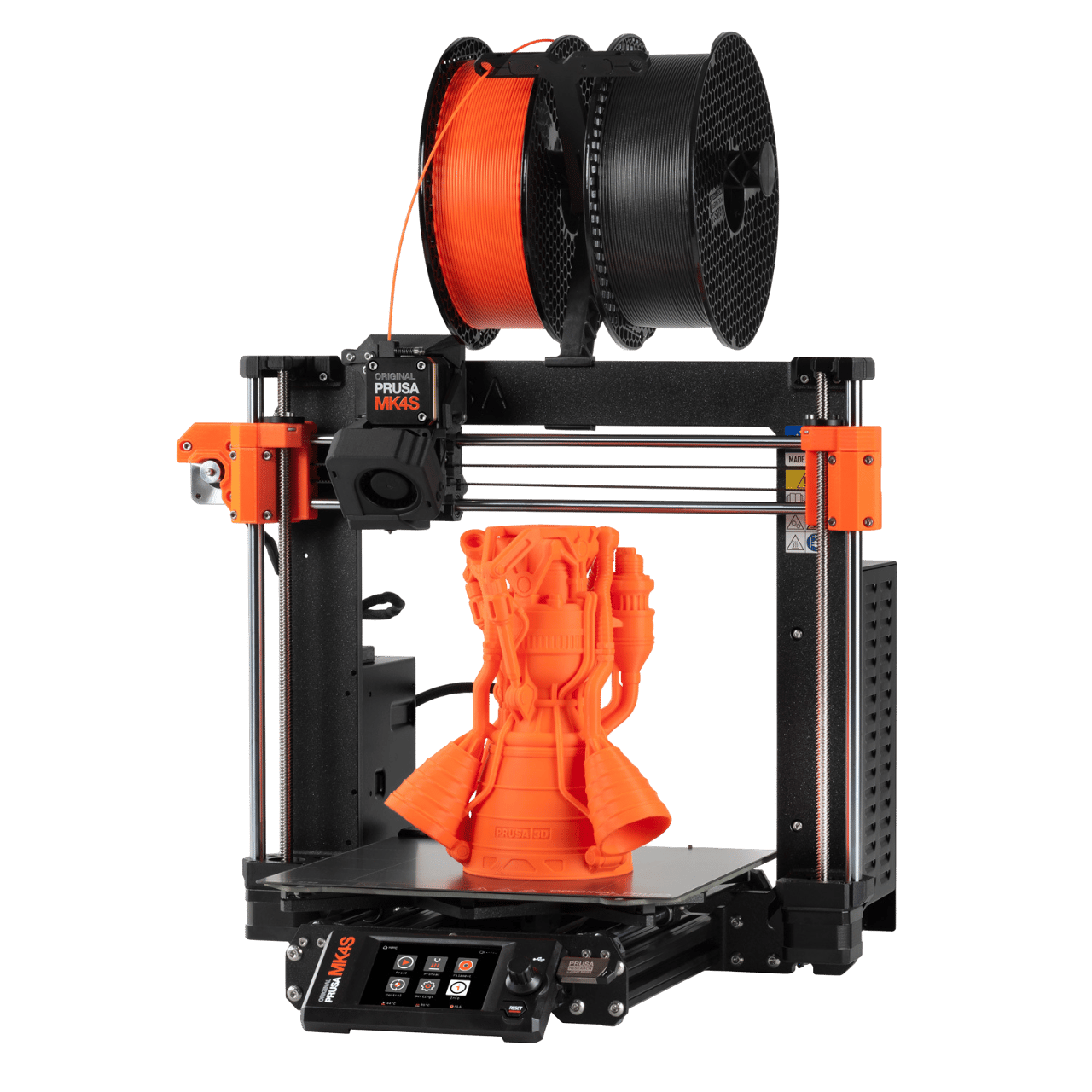
The ultimate STEM project
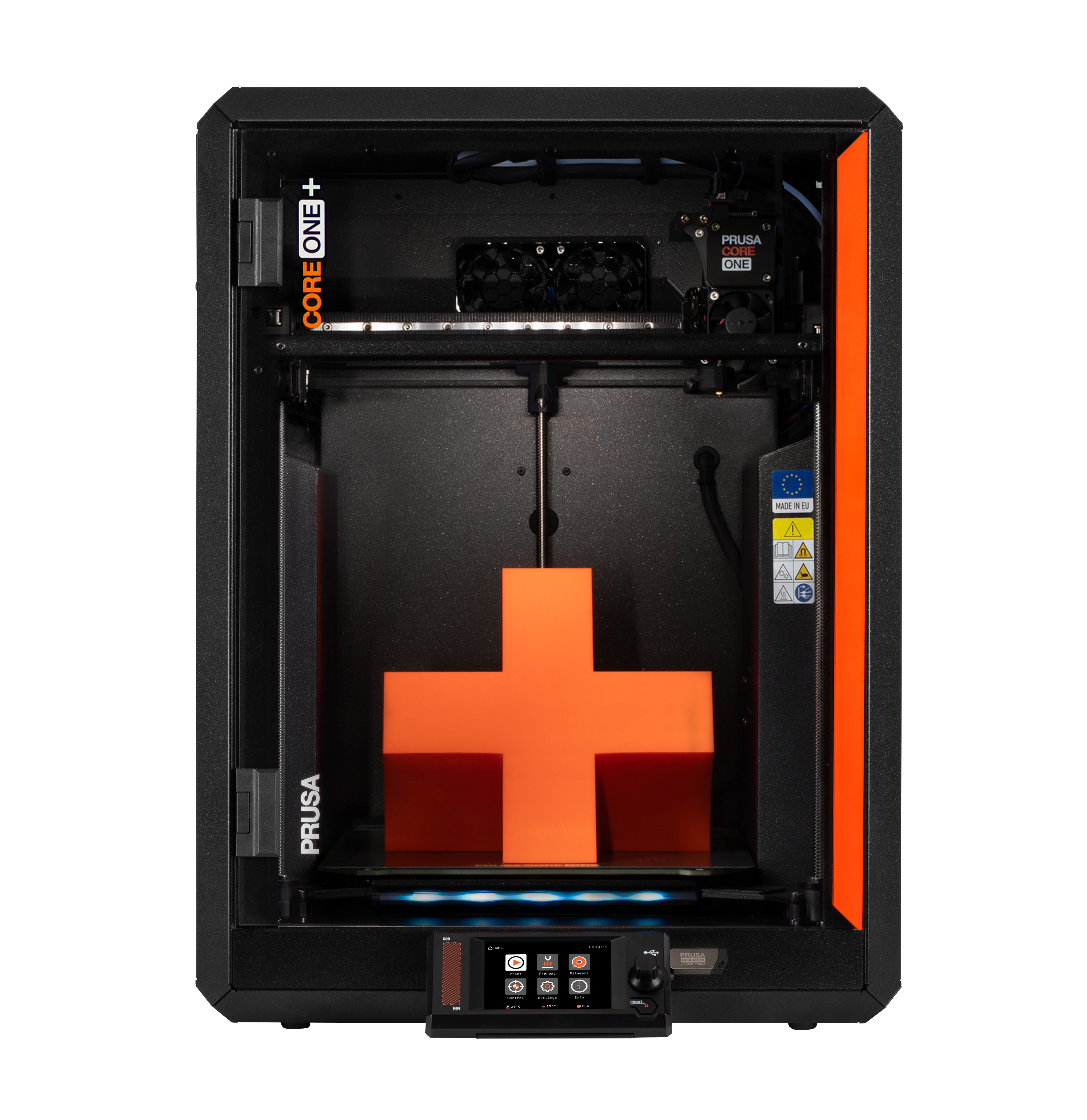
The Flagship CoreXY
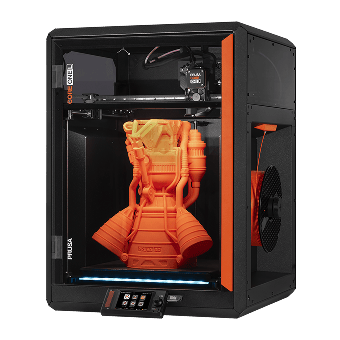
Effortless printing with advanced materials
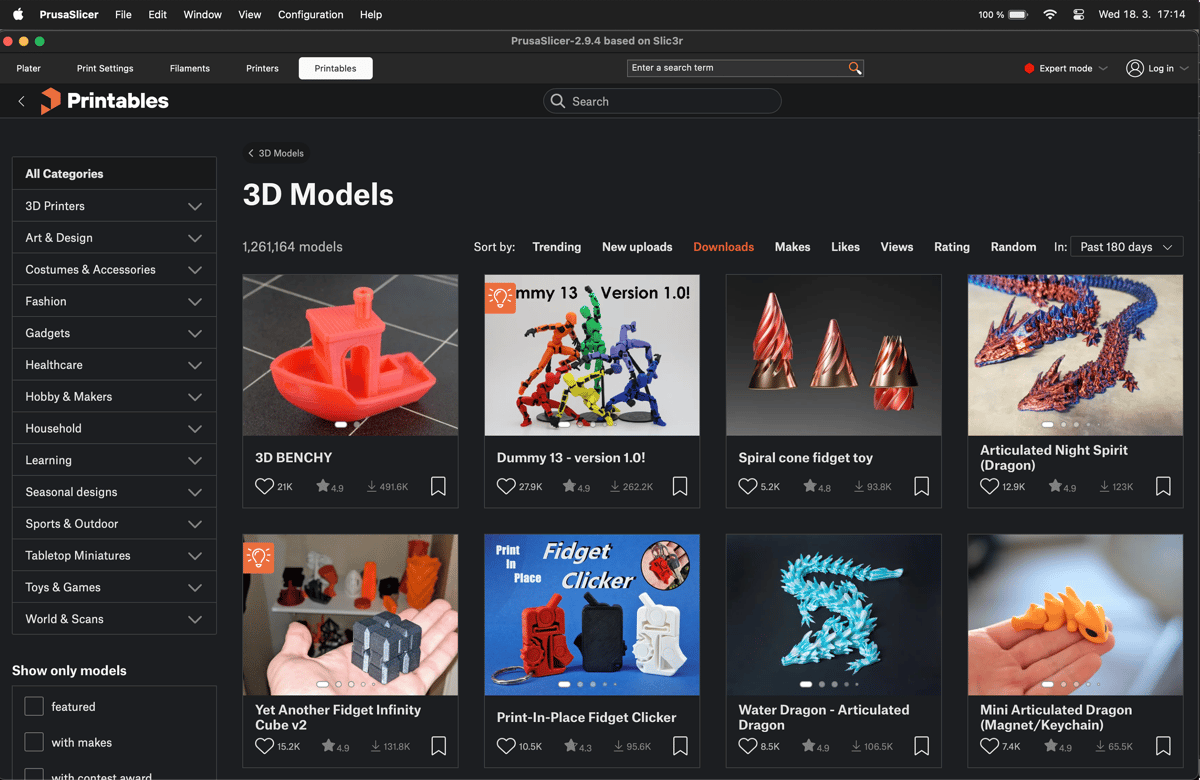
PrusaSlicer includes a built-in Printables.com browser. Find a model, import it to the build plate, slice, and send it to the printer without opening a separate app or downloading files manually.
Printables.com hosts over 2 million free models. It's open to all printer brands, no account required to browse.
Integrations and connectivity
Remote control
Manage your printer fleet via Prusa Connect. Monitor progress, check webcams, and start jobs from any device without compromising privacy.
Enterprise
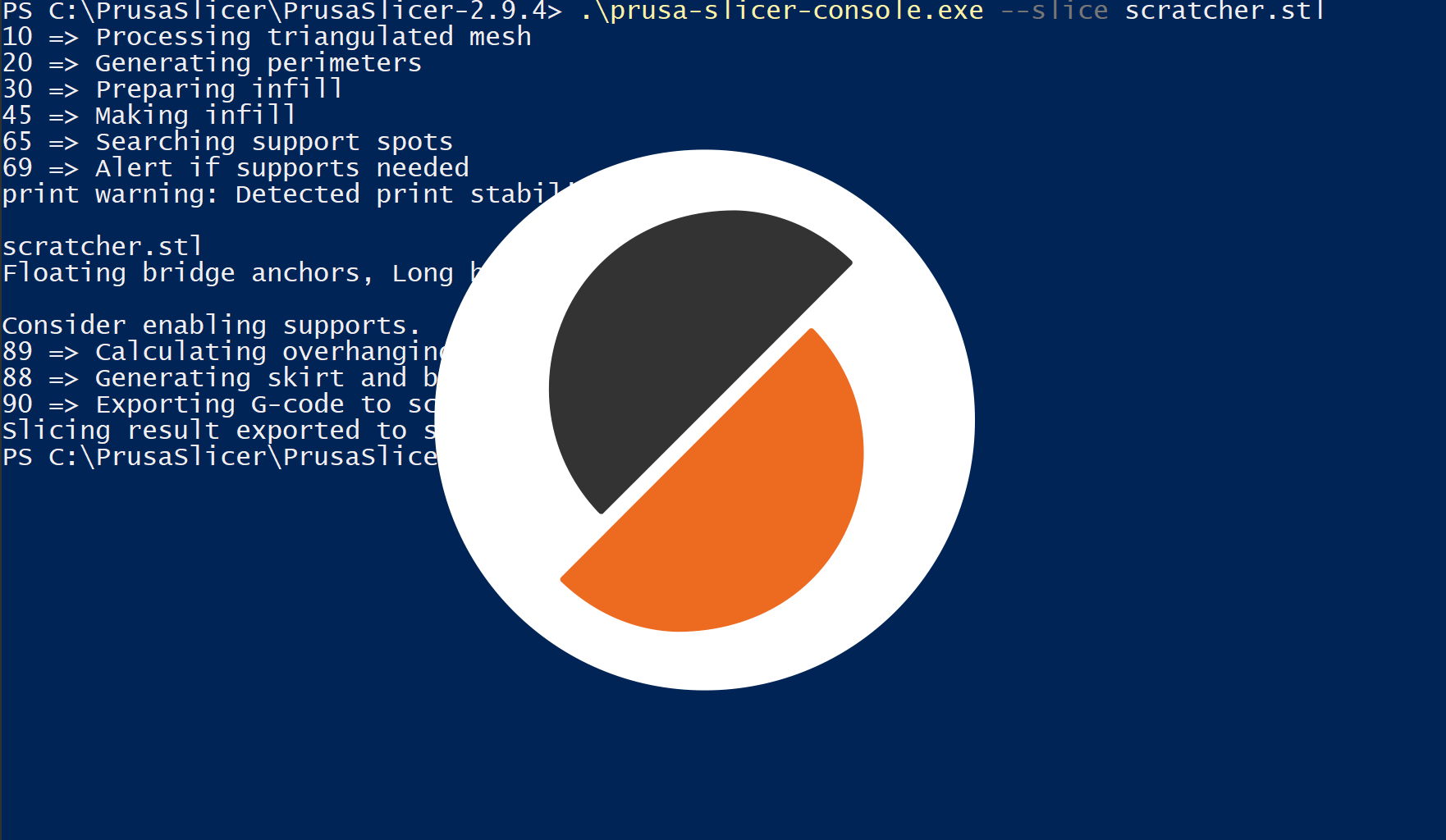
Use our robust Command Line Interface (CLI) to batch-slice hundreds of files or integrate with custom manufacturing pipelines.

Remote control
Send files to your Klipper printer with one click, instead of manual browser uploads or transfering SD cards.
Remote control
Send files to your Octoprint instance with one click. Just fill in the IP address and the API key.