Over50,000printers in Prusa Connect
Control your printer from anywhere with Prusa Connect
Zero Entry Cost - Easy Setup
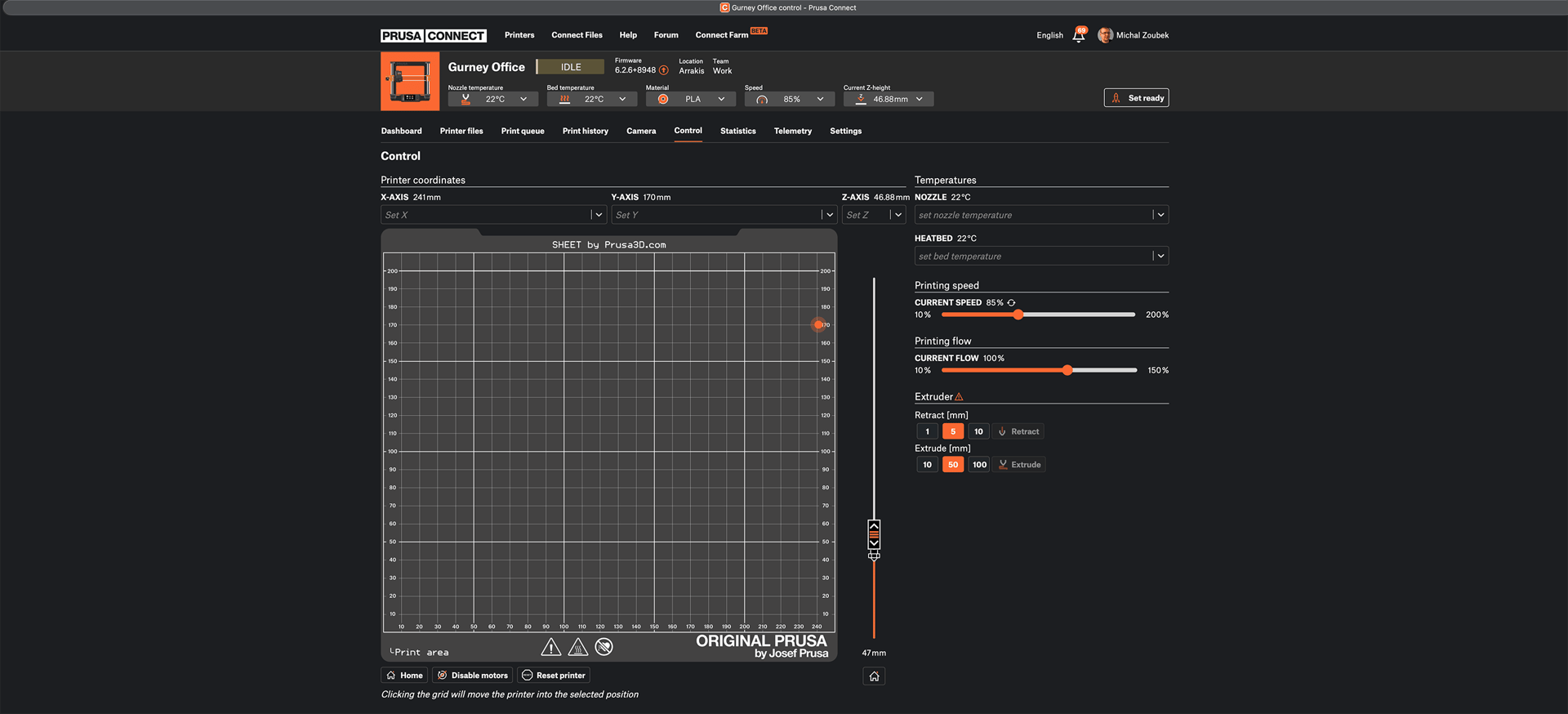
Remote Control & Monitoring
3D Print Farm Management
Runs directly in your browser

PRUSA ECOSYSTEM
Unified Printing Workflow
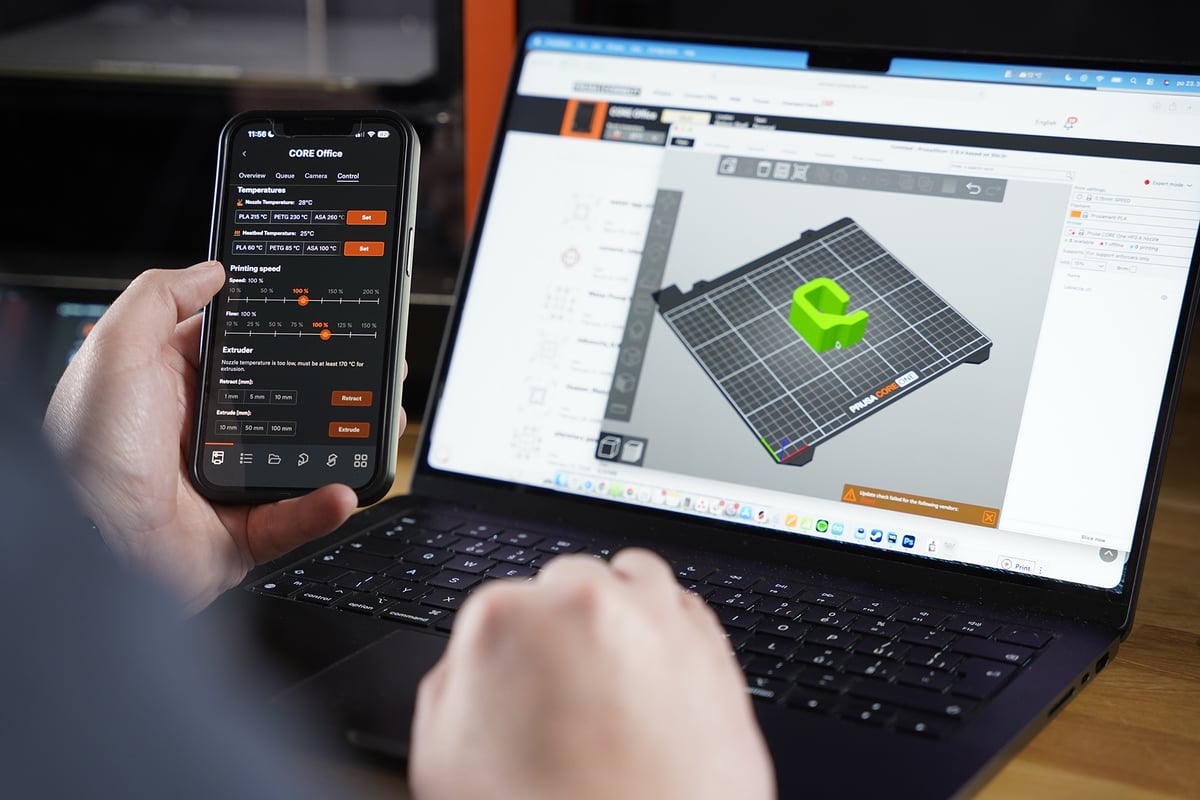
Prusa Connect runs directly in your browser - no software installation required. You can also master the entire 3D printing workflow directly within PrusaSlicer: browse Printables, slice models, and use the integrated interface to send files to the printer and monitor live camera feeds - all from a single window. No more swapping SD cards or USB drives.
All developed in-house by Prusa Research


SECURE ACCESS
Reliable Security for Your Designs
Protect your intellectual property with IASME-certified security. Benefit from TLS 1.2 encryption with ECC protection (the same industry standard used for secure bank transactions) and data hosting on NIS2-compliant EU servers. With MFA, RBAC, and Cyber Essentials-verified defenses, we ensure your sensitive production data is never shared or harvested for profit.
With Prusa Connect, your data is safe


FARM MANAGEMENT
Production Control at Any Scale
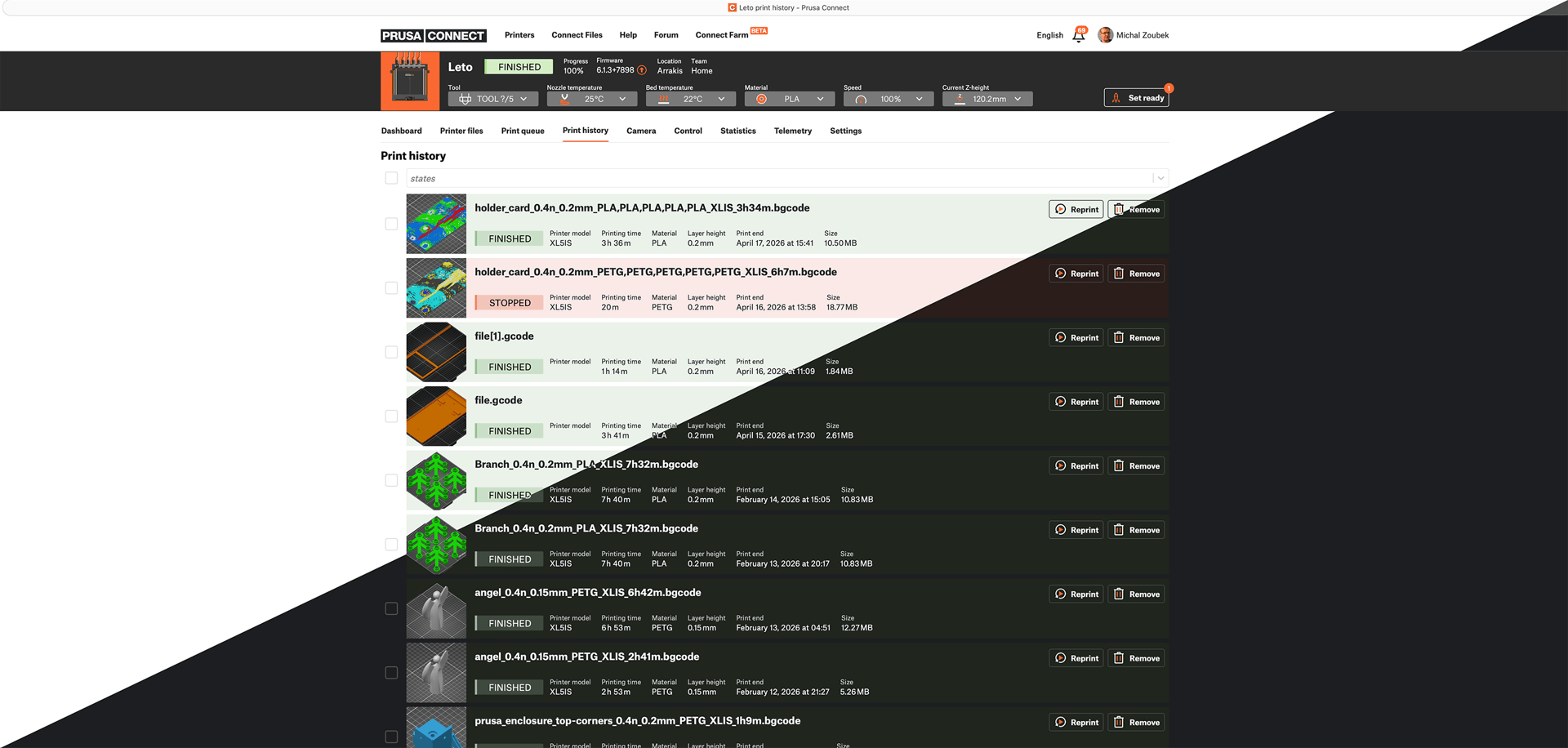
Scale from a single printer to a large-scale 3D printing production fleet. Prusa Connect provides a dedicated 3D print farm mode with smart job queueing and a complete project history for every machine. Manage advanced user roles, create dedicated teams, and distribute files across your entire fleet from a single dashboard.
From one printer to a print farm



GET THE PRUSA MOBILE APP
3D printing in your pocket
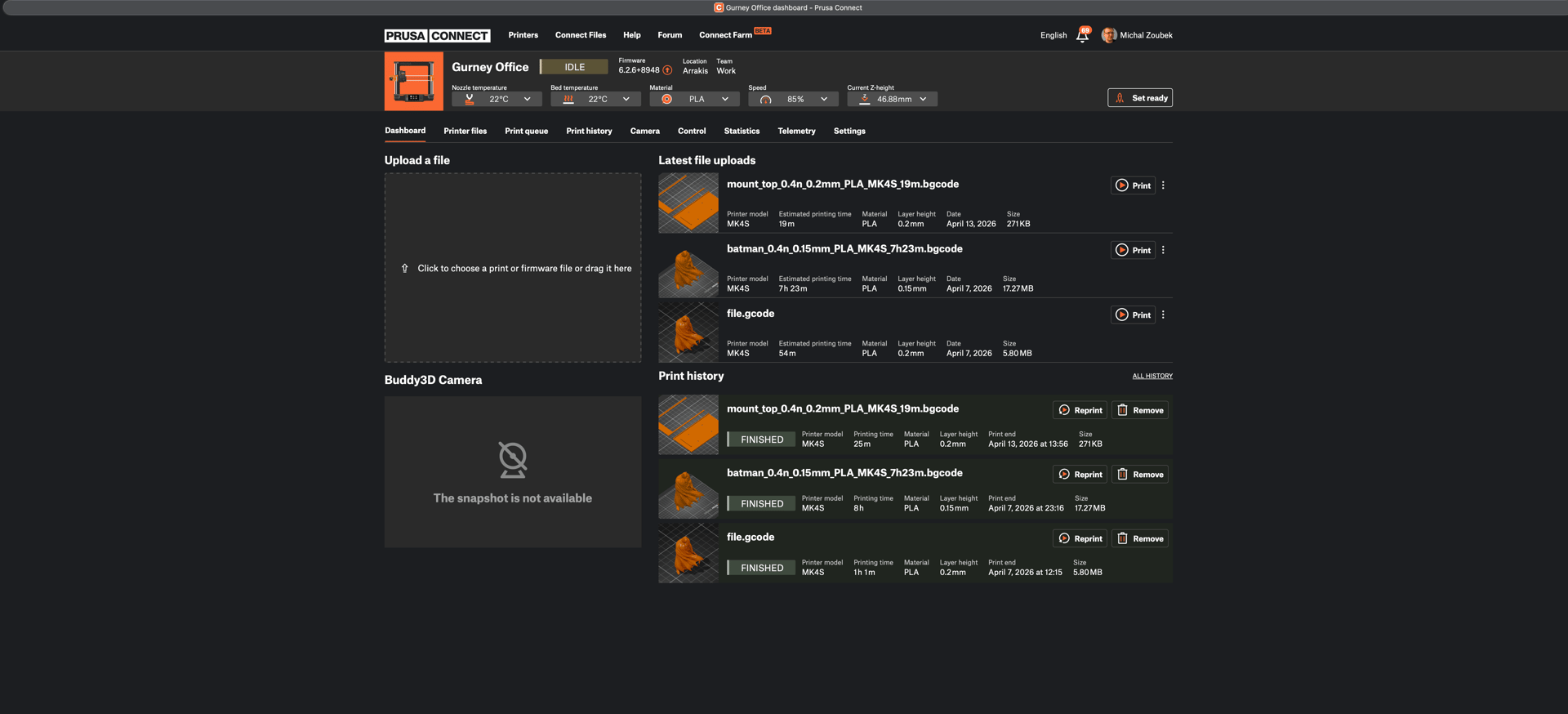
Stay connected wherever you are. Use our mobile app for Android and iOS to browse Printables, manage your 3D printers via Prusa Connect, and even slice and send models directly to your printer with EasyPrint - a straightforward interface that lets you start a print with just a few taps.
Live Camera Monitoring
Remote Live Feed
Automatic Timelapses
Smart Night Mode
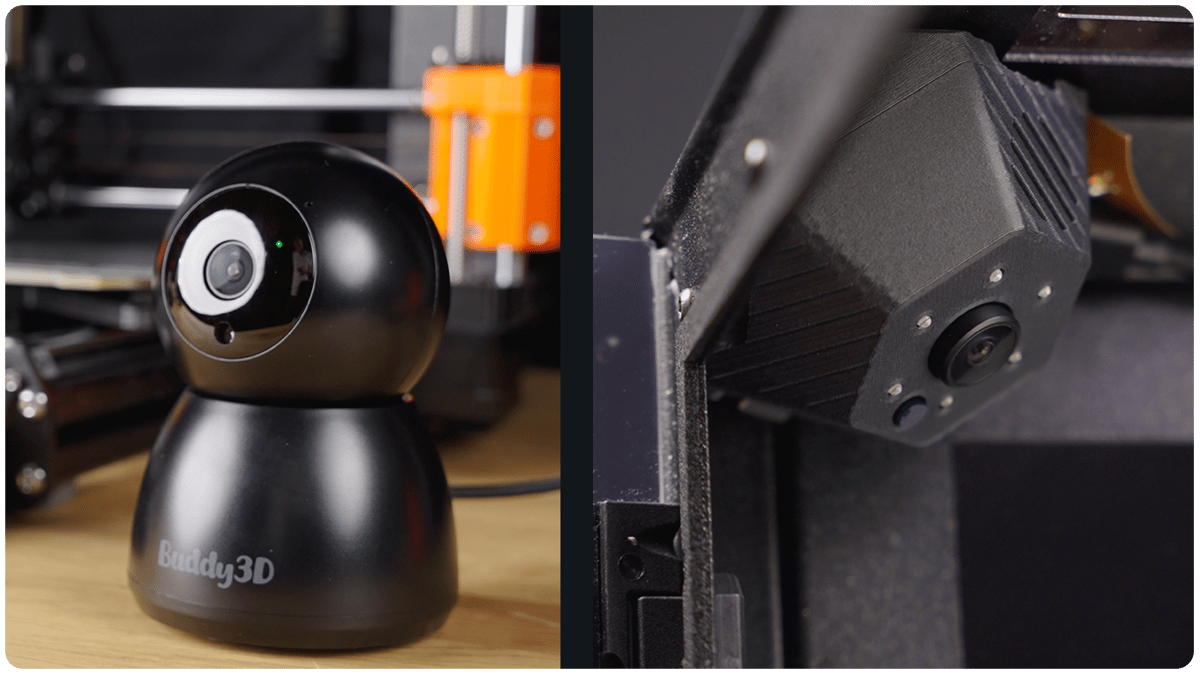
Don’t have a camera yet?
Get the official Buddy3D camera on our e‑shop
For an easy, plug‑and‑playexperience

Versatile Applications
Deploy remote management in any environment, from a personal hobbyist desk to a high-volume industrial print farm.


Home and workshop
Enjoy the freedom of secure remote printing and real-time monitoring without needing any extra hardware.


Schools and Public Spaces
Manage multiple users and organize educational projects through a centralized, easy-to-use dashboard with team-based access.


Industry and Science
Support large-scale manufacturing and scientific prototyping with reliable remote operation across your entire 3D printing fleet.
NATIVE WEB INTERFACE
PrusaLink
Your Prusa printer features a built-in local management service called PrusaLink. This native interface allows you to access your machine via your local network and acts as a direct bridge to the cloud-based Prusa Connect. You get the same level of control and monitoring as traditional external solutions like OctoPrint, but natively and without the need for any extra hardware, such as the Raspberry Pi. The only exception is the MK3S+, which does require an external Raspberry Pi to enable these features.
Supported Printers
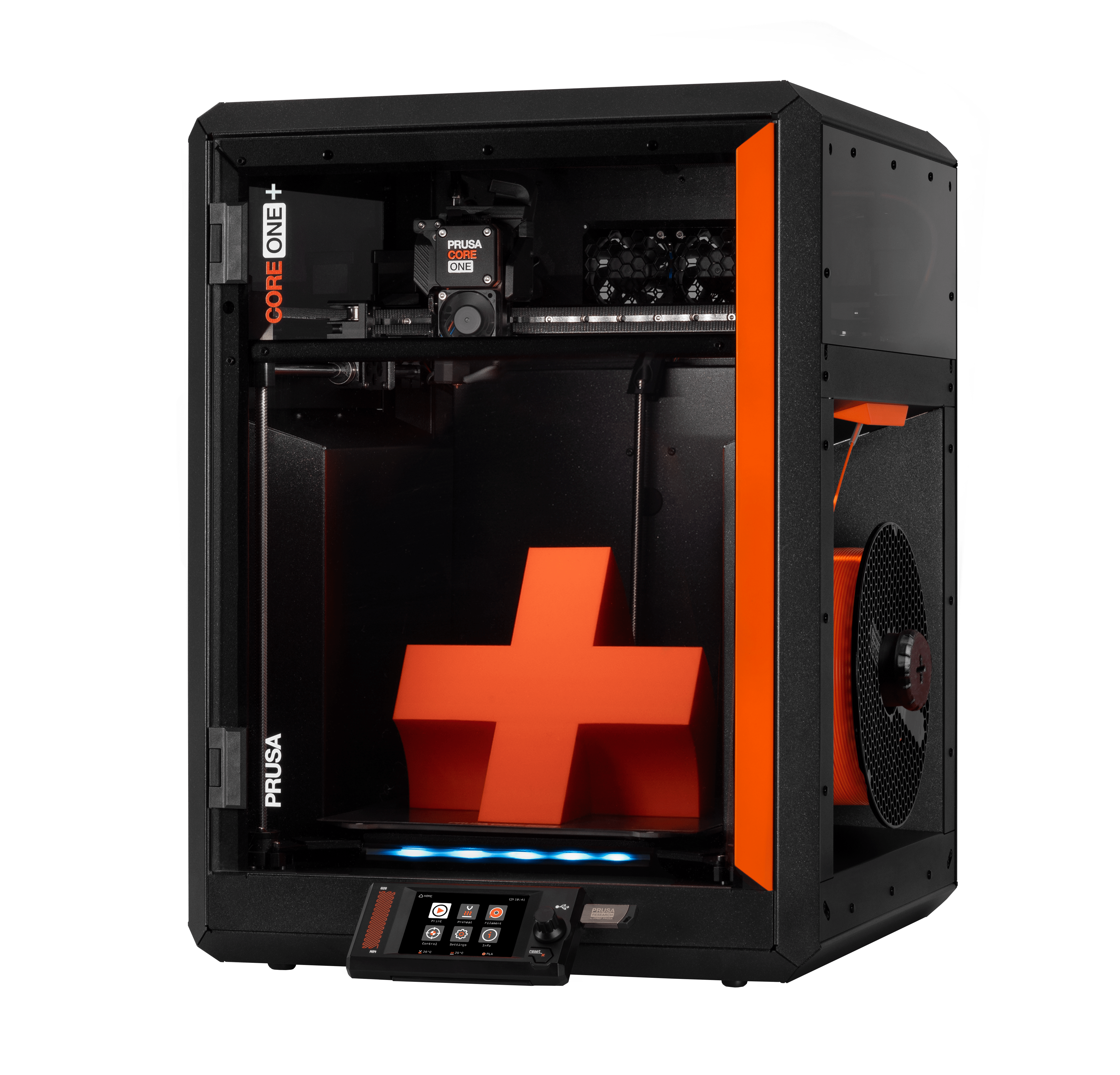
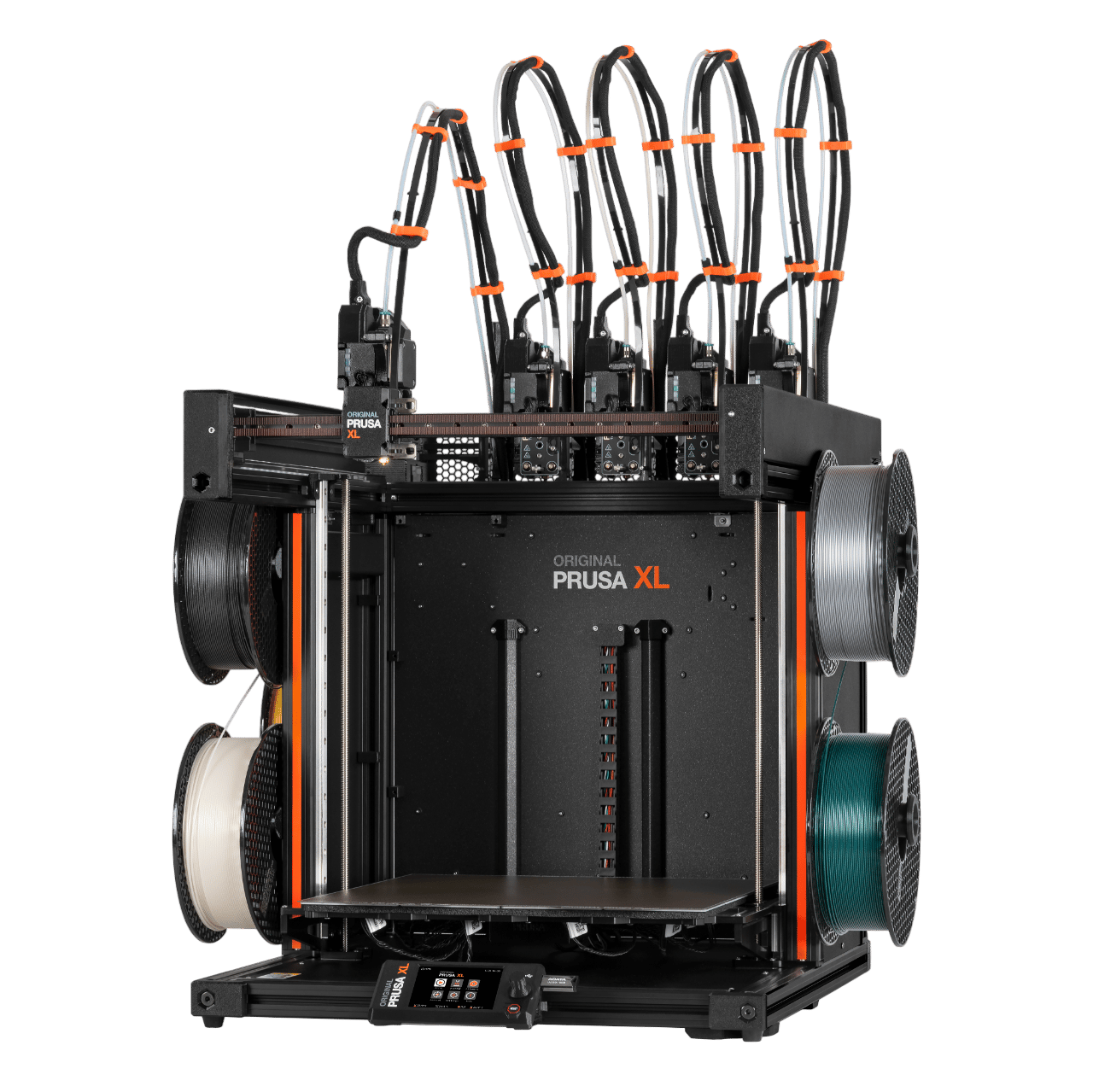
Printers you can use with Prusa Connect
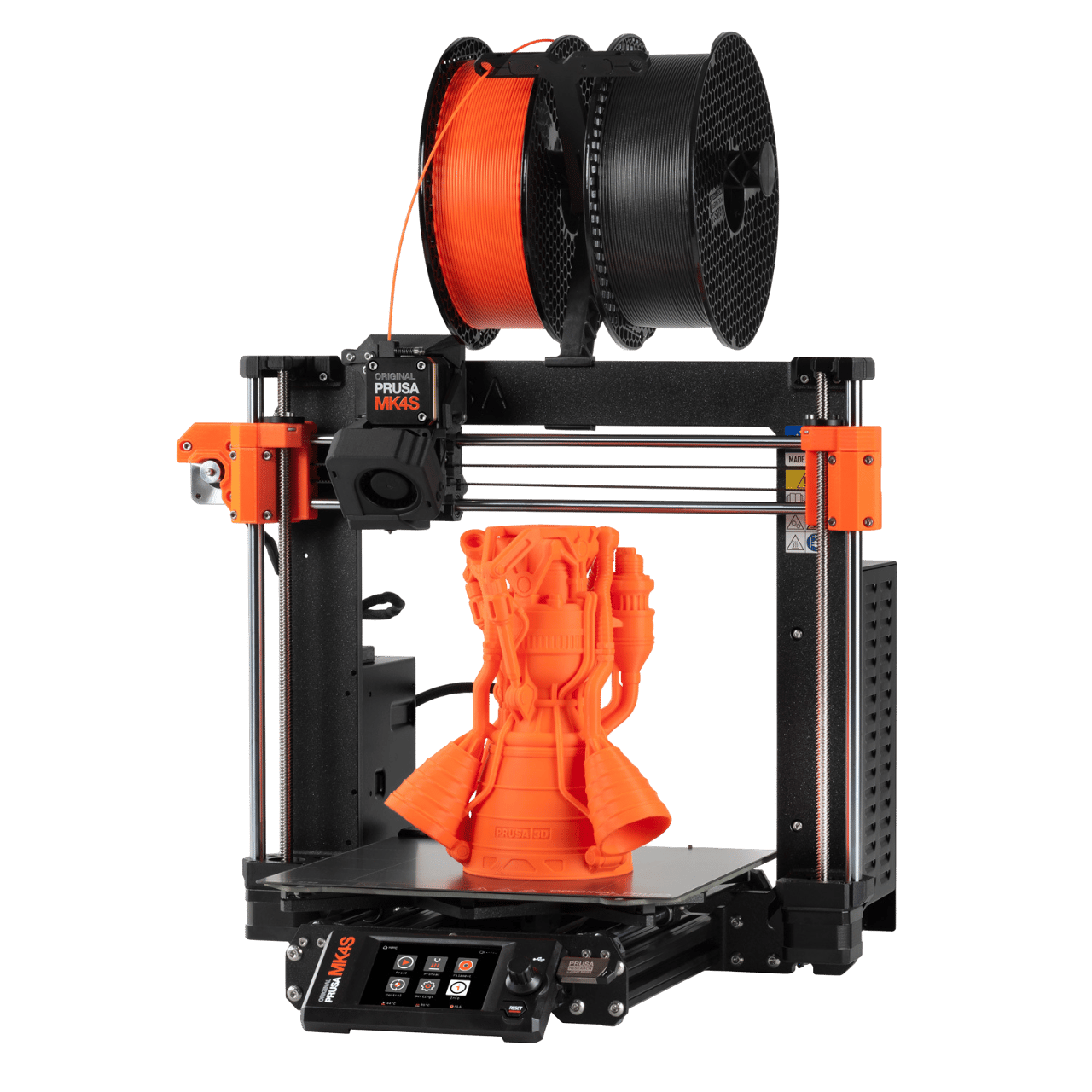
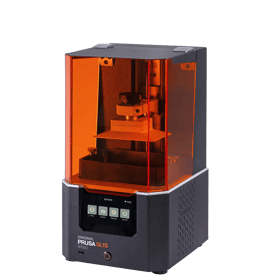
Original Prusa SL1S
$2,159
- Fast & high-quality resin prints
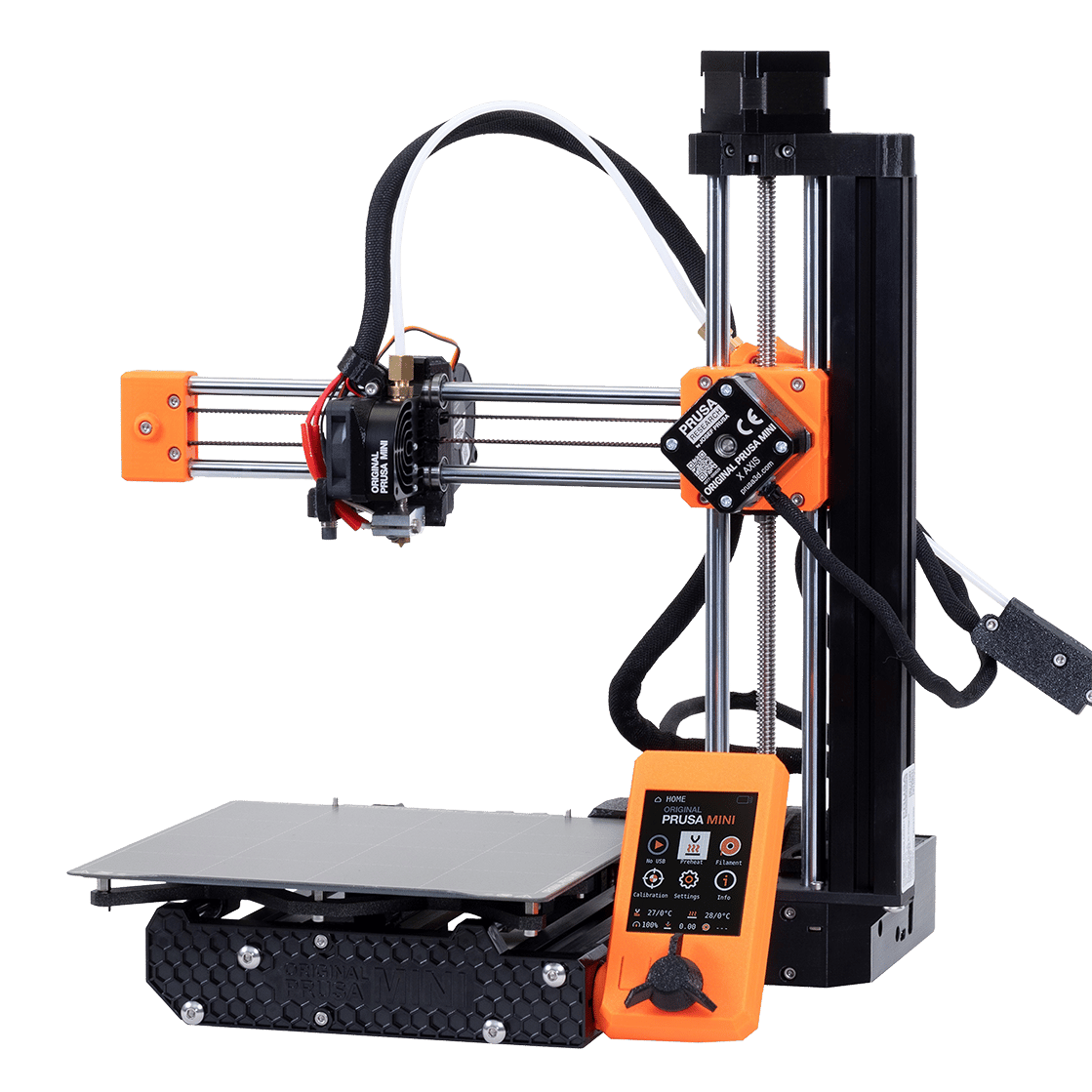
Original Prusa MINI+
- Small and capable
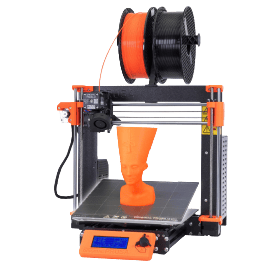
Original Prusa MK3S+
- The real Original