Quick and Easy Control
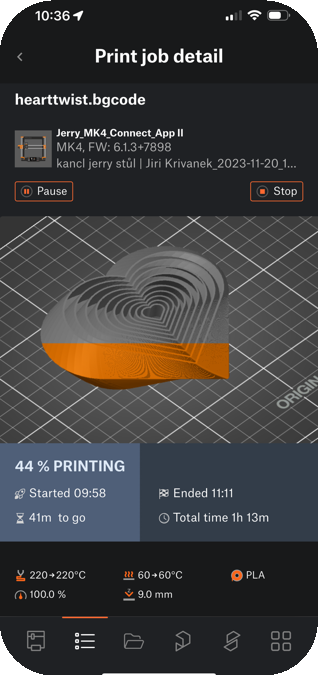
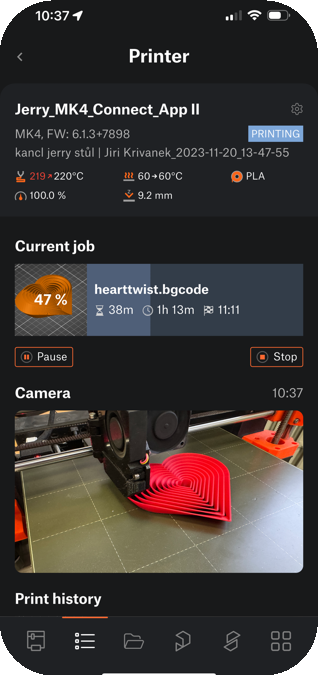
Manage Printer Jobs - Print, Pause & Resume
Control your printer effortlessly with just a tap. Start, pause, and monitor telemetry data from anywhere.
Control your printer(s) remotely from anywhere using Prusa Connect! Now with integrated EasyPrint!
Manage Printer Jobs - Print, Pause & Resume
Control your printer effortlessly with just a tap. Start, pause, and monitor telemetry data from anywhere.
One app to rule them all!
Designed for both single printer users and print farm administrators, it offers convenient remote management and troubleshooting, saving time and boosting productivity.
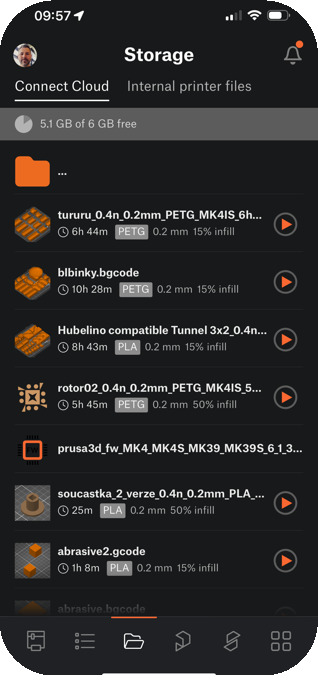
Access all your storage from anywhere!
Have the entire Connect Cloud and printer storage right in your pocket - all models ready to print, including those from Printables.com.
Live photos and soon real-time video, instantly
Connect a Buddy camera, or even two, and watch live footage of your printer! *You can even use a phone as a camera!
Go from Model to Print in Just a Few Clicks
Access EasyPrint directly from the Prusa App. Select the model, adjust basic settings if needed, and send the print job to your printer in moments!


Prusa.app offers even more options! Discover how the app can make it easier to work with your printer or your entire print farm, wherever you are.
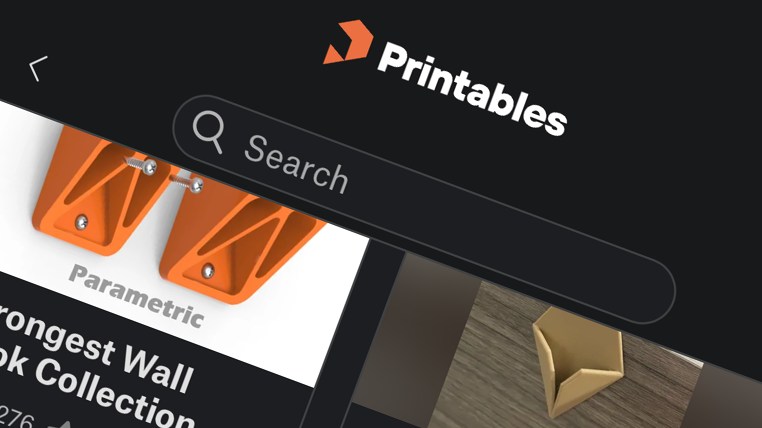
Thousands of models are at your fingertips. A huge database of 3D models is ready for immediate printing directly from the application. Browse, filter, and select models presliced for your printer.
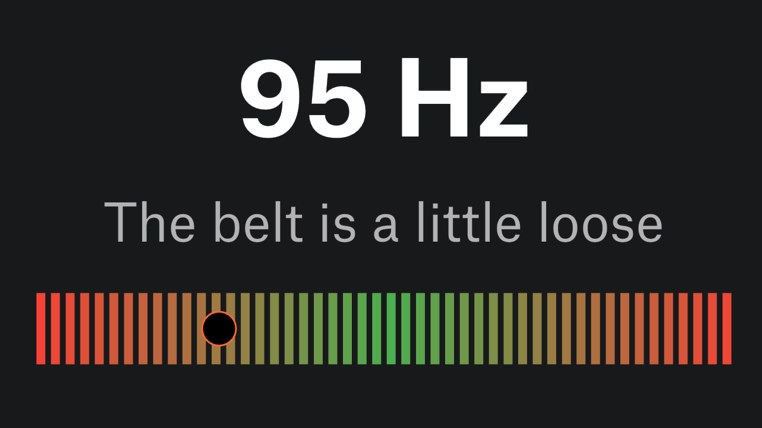
Tune your printer. Test our Belt Tuner developed by Prusa - whether you use the proven MK3 or the latest MK4s.
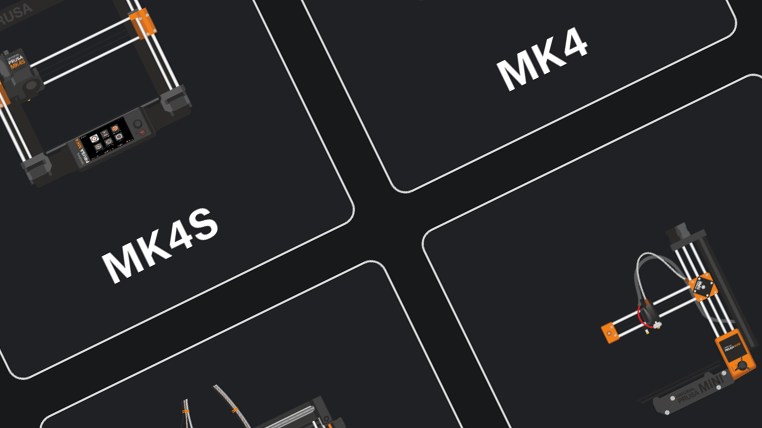
Want to add a printer but don't have a computer? No problem - with our app, you can add any of our printers directly.
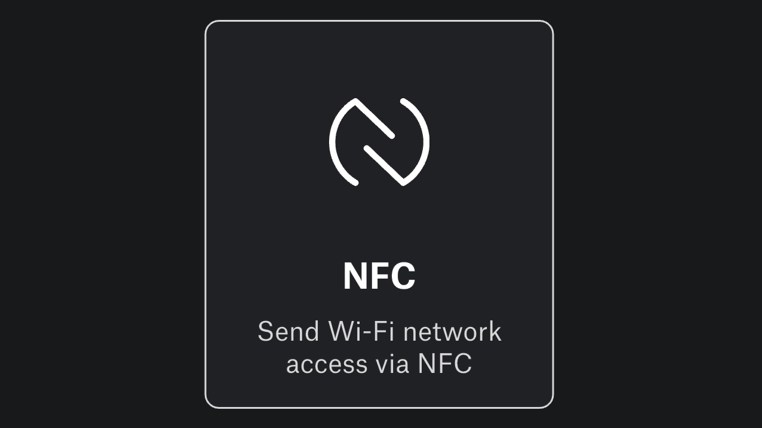
MK4S and newer models with NFC support. Set up your Wi-Fi network via the app using NFC technology, it only takes a second.
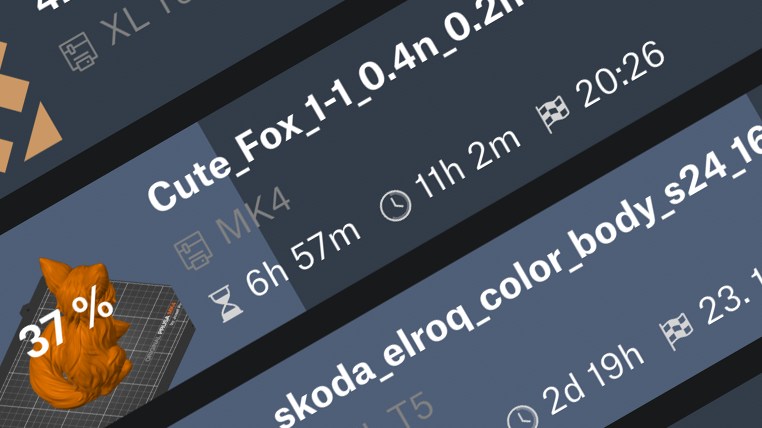
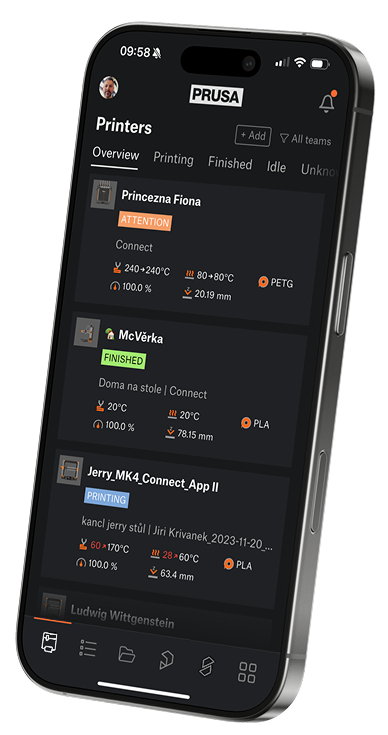
A comprehensive overview of print jobs. Browse, track, and monitor all print jobs - their status, progress, and estimated completion time.
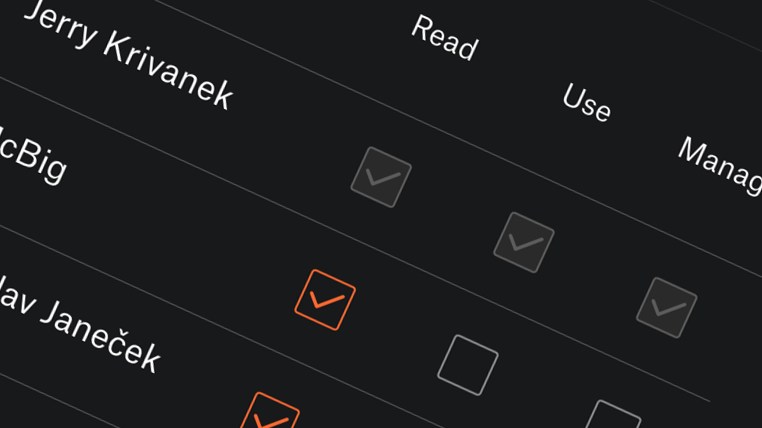
Create and manage teams, add members, and set access rights.
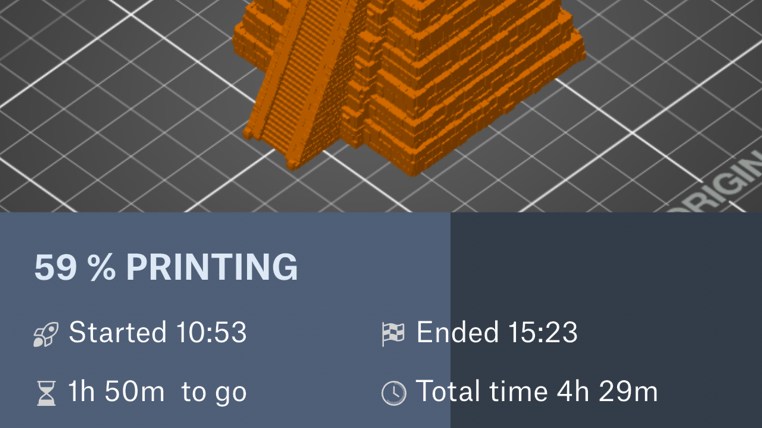
The app offers advanced control of your printer, such as control of individual axes, temperatures, and speed.
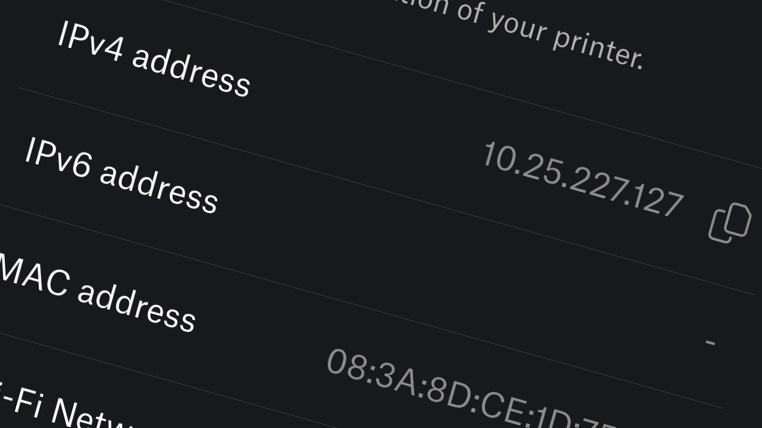
Detailed technical and network information about your printers.
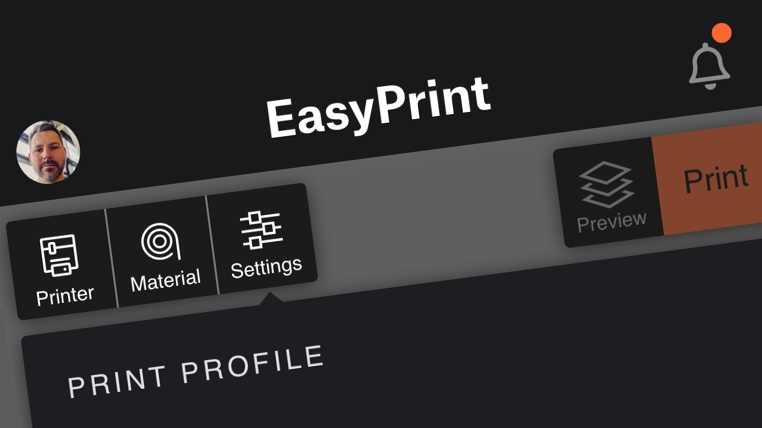
With Prusa EasyPrint, you can slice and send a model for printing directly from the app on your phone or tablet. Just hit the EasyPrint button next to the model on Printables and send it to the printer.
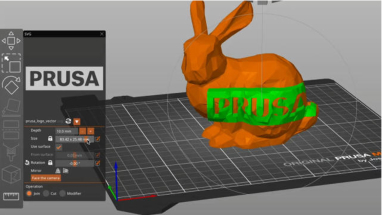
An open-source, feature-rich, frequently updated tool that contains everything you need to export the perfect print files for your 3D printer. All official printer and material profiles (over 180 in total) are created and tested in-house to ensure the best possible printing experience!
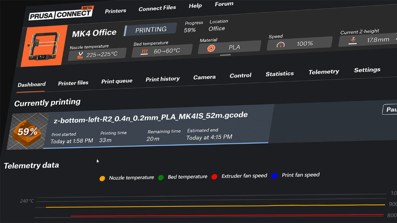
Prusa Connect is a cloud remote printing solution developed in-house by Prusa Research. It allows you to manage G-codes and control your 3D printer remotely, no matter where you are.
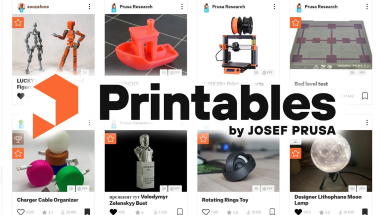
You don’t have to be a designer to use a 3D printer! Our database of hundreds of thousands of free 3D models is just a click away. Printables.com website is actively developed, so go ahead and get amazing prints by talented creators and even official printable accessories for a variety of popular products thanks to Printables Brands.
A free Prusa Account is required. Most of the app's features are dependent on Prusa Connect.
The app is available on both major platforms - Android and iOS/MacOS.
You can browse a huge Printables.com catalog of models and send them directly to the printer.
Set up Wi-Fi on the latest printers effortlessly with NFC. No manual configuration required.
You can use the app to both monitor and control your printers, or add new ones.
Push notifications always keep you informed of status changes.