3D printing 101
3D printing makes it possible to create physical objects directly from digital designs. In the next five minutes, you’ll learn how it works, what people actually print, and which path could be right for you.
What is 3D printing
A 3D printer creates a physical object from a digital 3D model. Instead of cutting material away or shaping it in a mould, the printer adds material one layer at a time until the object is complete.
The process usually starts with a model, continues in slicing software, and ends with the printer turning that prepared file into a real object.

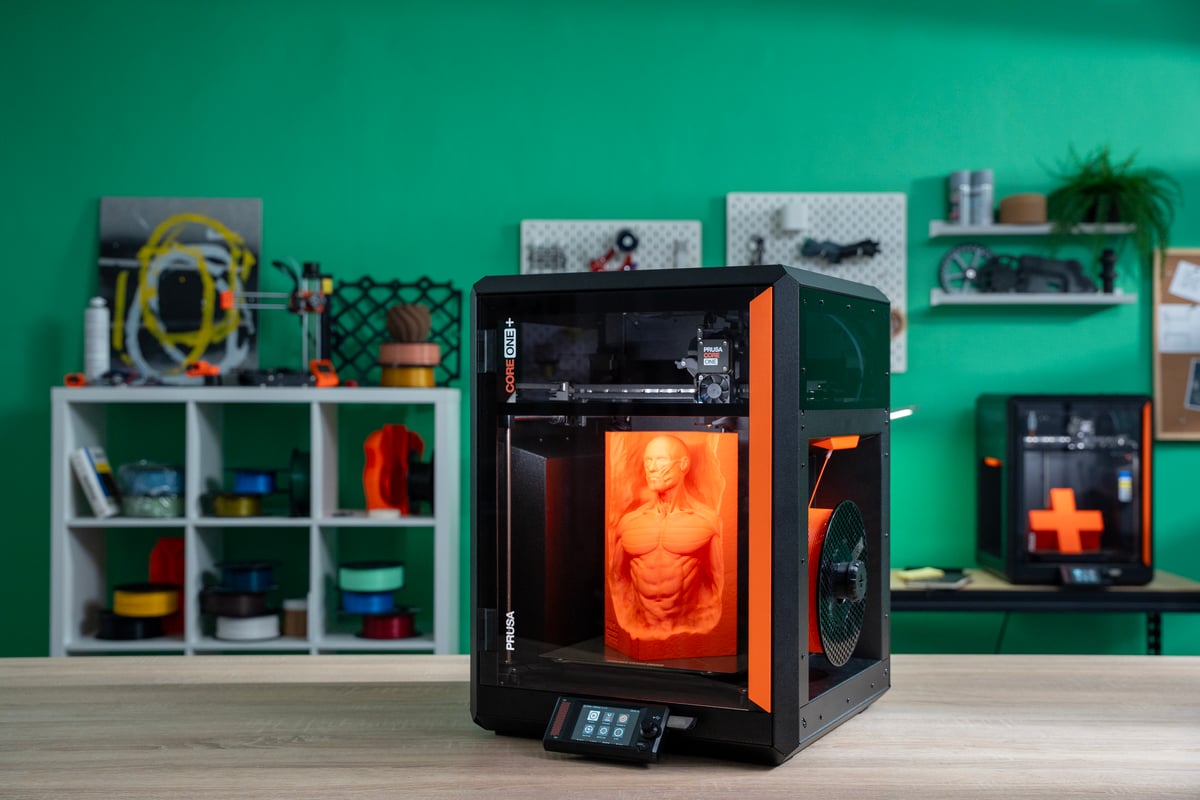
Modern 3D printing is a simple 3-step process
You do not need to design everything yourself. There are millions of ready-made models available, and you can start printing before learning 3D modelling.
Download an existing design or create your own
Slicer software converts the model into instructions for the printer. Pick a material and set the desired quality - the slicer then prepares the file for the printer.
The printer follows those instructions, building the design layer by layer.
What people actually print

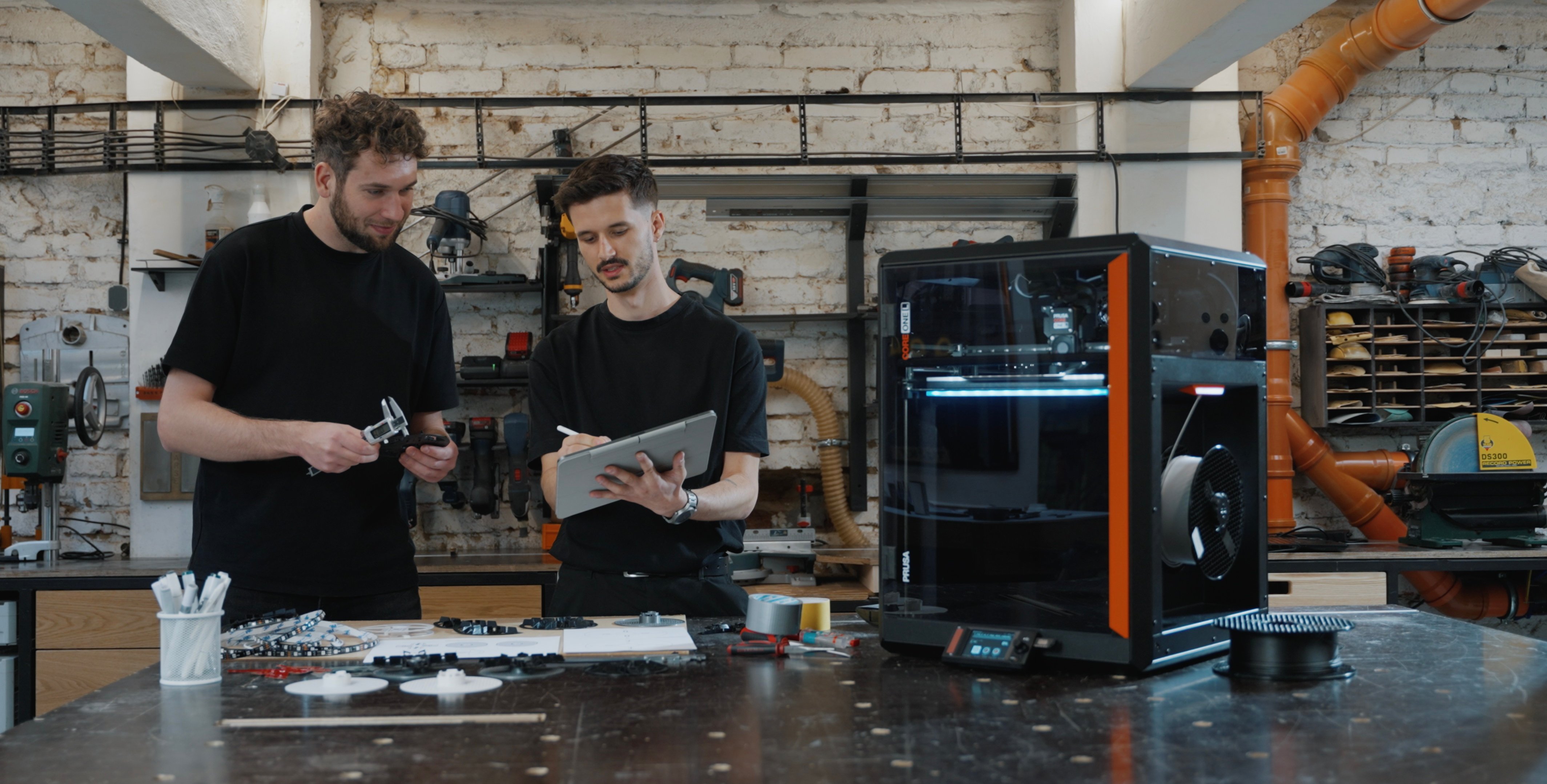
Test an idea in your hands the same day you design it.
3D printing started as a way to make prototypes quickly. It is now used for everything from one-off repairs to production parts, because you can make the part you need without waiting for tooling, suppliers, or a large production run.
The amazing thing is that this very same, incredibly capable machine can easily sit on your desk at home and make stuff for your kids or your household. And anyone can learn to use it over a weekend.

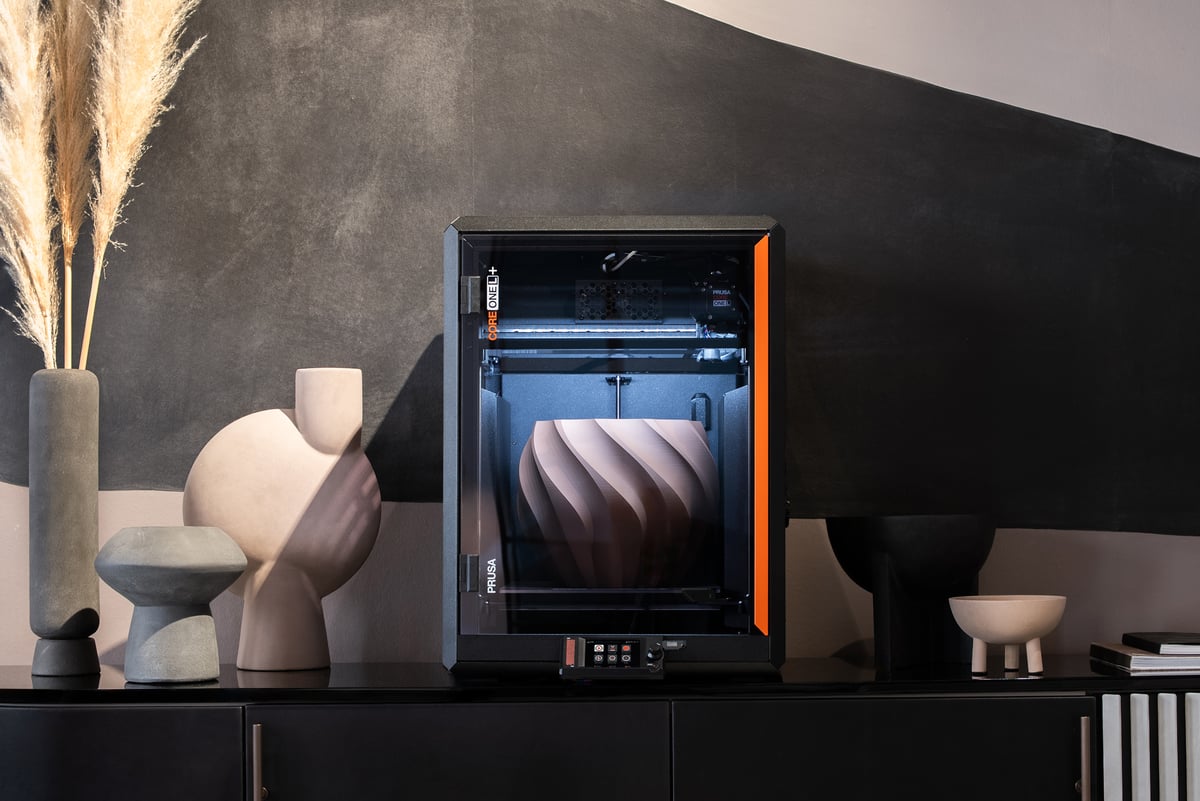
Design: Test, Iterate, Improve
Check a part’s size, fit, and function before committing to a final version. Print it, try it, adjust the design, and print the next version the same day.

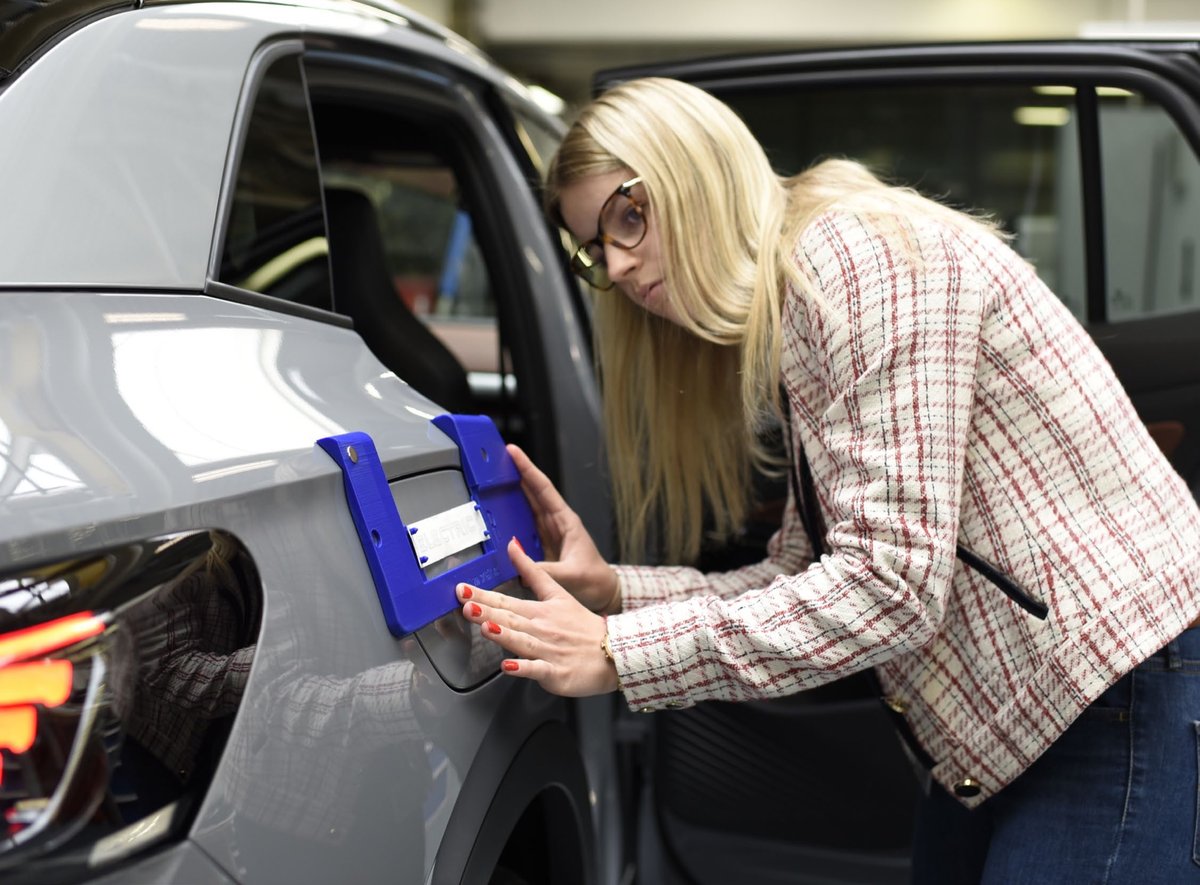
Workshops: Make functional parts
Make the tools that keep work moving: jigs, fixtures, guides, holders, gauges, and replacement parts. Print exactly what the job requires instead of adapting an off-the-shelf tool.

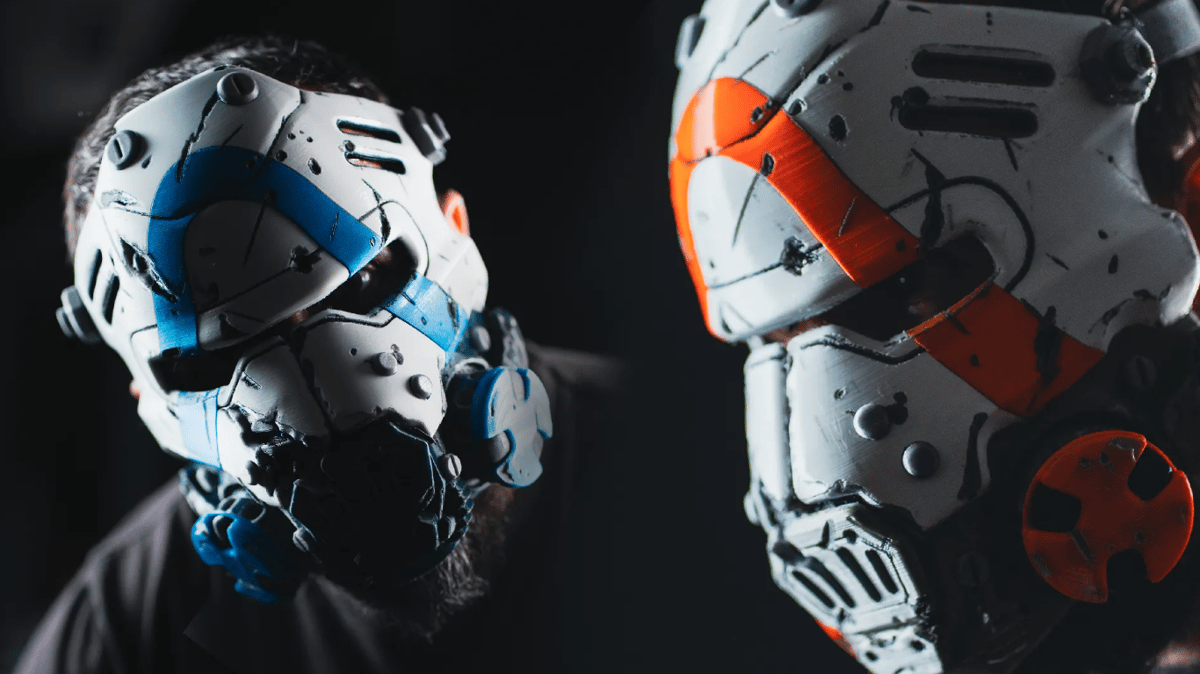
Fun: Make things you cannot buy
Print puzzles, tabletop accessories, toys, personalized gifts, board-game organizers, and hobby models. Plus: cosplay, home improvement, workshop helpers, and so much more.

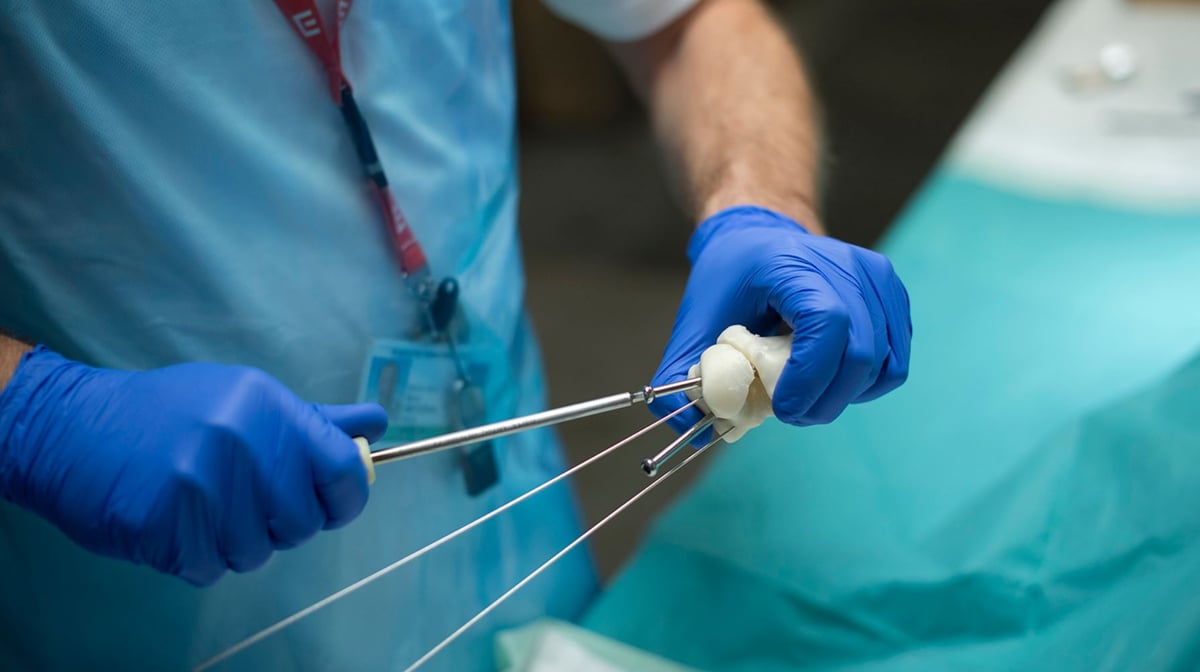
Healthcare: Plan and practise
3D printing is used for anatomical teaching models, surgical planning models, custom fixtures, assistive devices, and research tools.

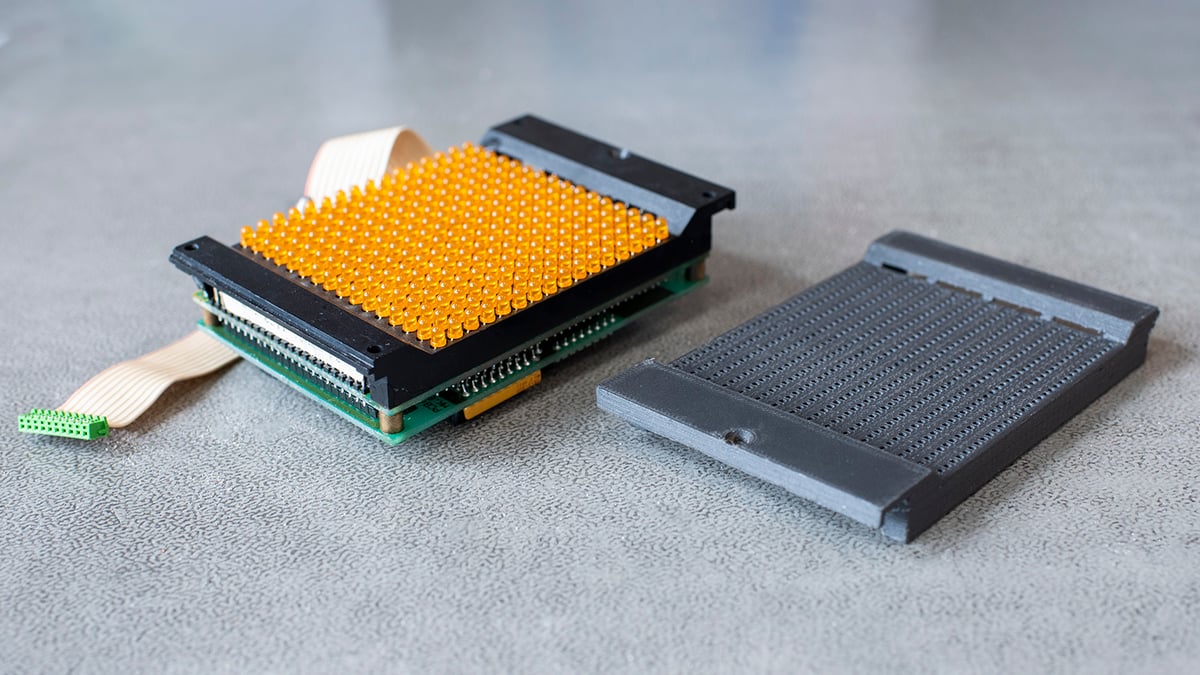
Repairs: Keep things working
Replace the small part that failed: a clip, knob, bracket, cover, or adapter. A printed replacement can keep an otherwise useful product in service and is often stronger than the original part.

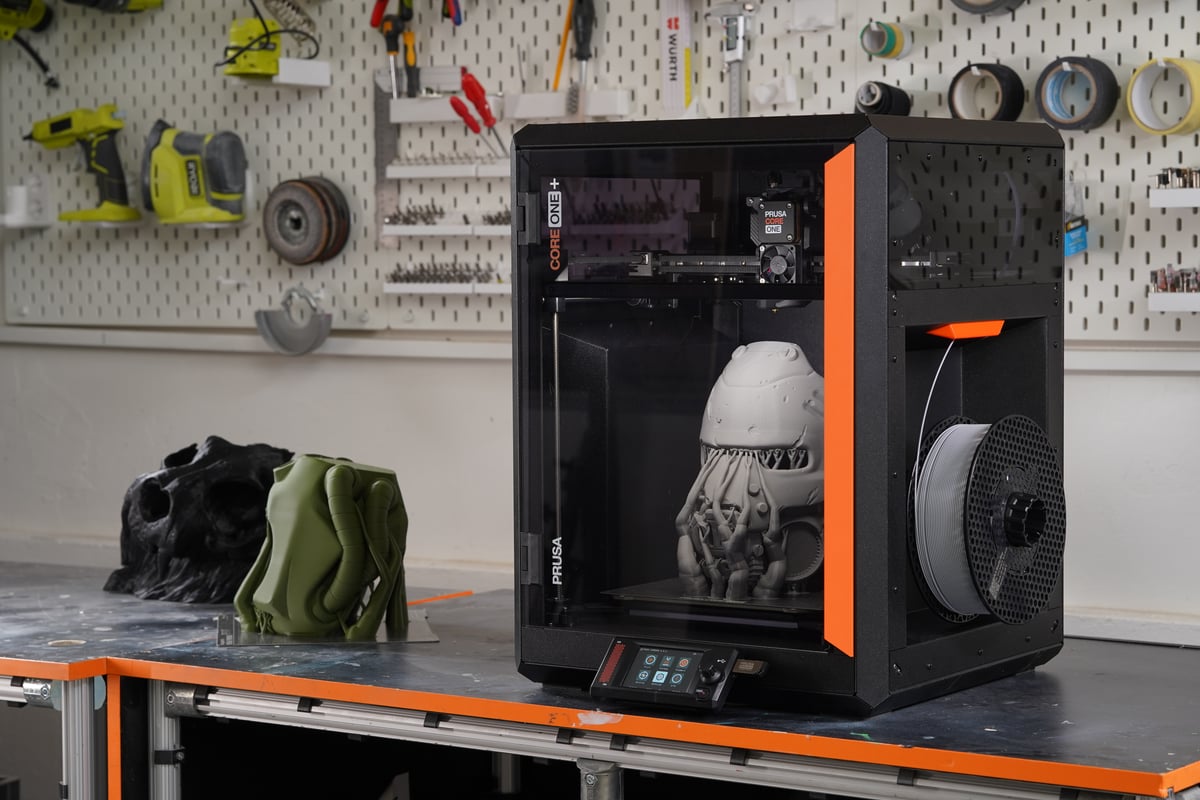
Education: Learn by making
Turn a sketch or CAD model into something students can hold, test, and improve. It gives design, engineering, and science lessons a practical outcome.
Three main types of 3D Printing
Almost every printer you will meet uses one of these methods. All of them are 3D printing - they suit different jobs.
All types of 3D printing are based on the same principle: creating objects by adding layers on top of existing layers. As of this moment, there is no 3D printing technology that would be completely universal and suitable for every purpose.
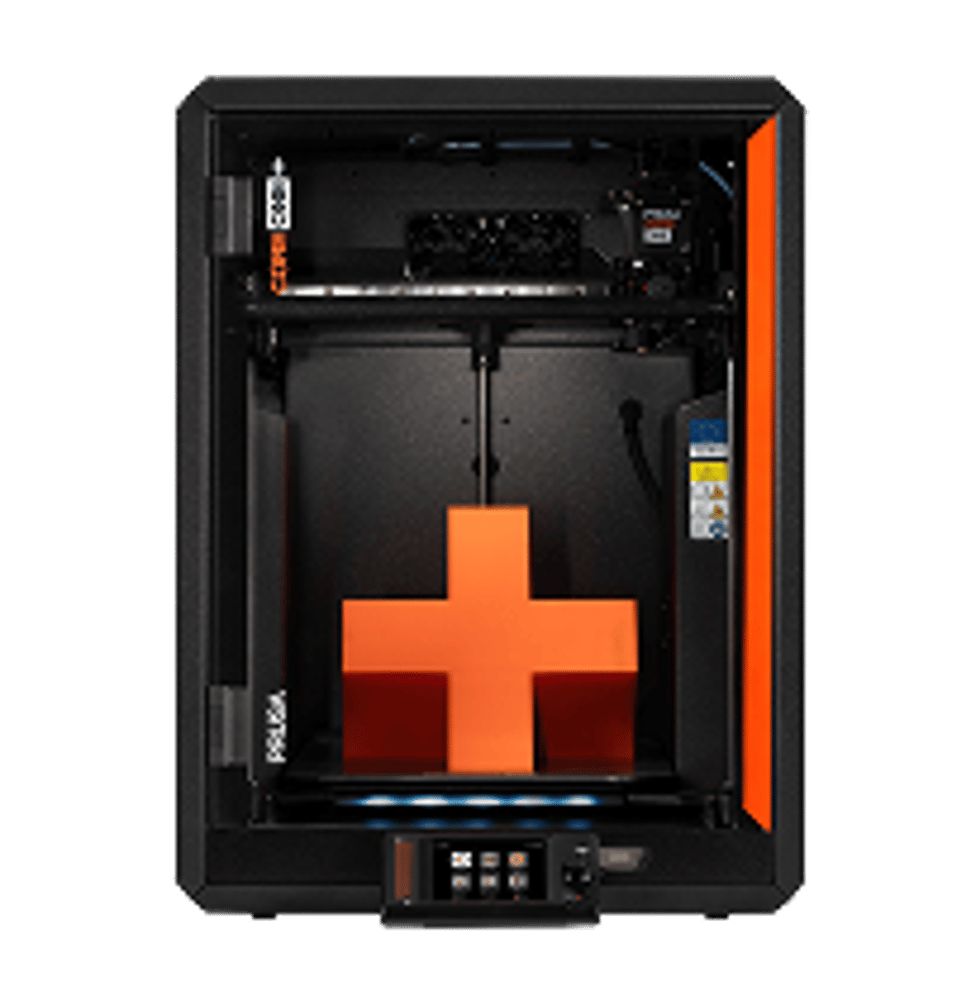
FDM is the type of 3D printing most people want for a desktop printer. It works by feeding plastic filament into a heated nozzle, which builds the part one layer at a time. It is inexpensive to run, clean to use, and well-suited to large, durable parts. The MK4S, CORE One+, CORE One L, and XL all use FDM. If you are buying your first 3D printer, this is very likely the best choice for you.
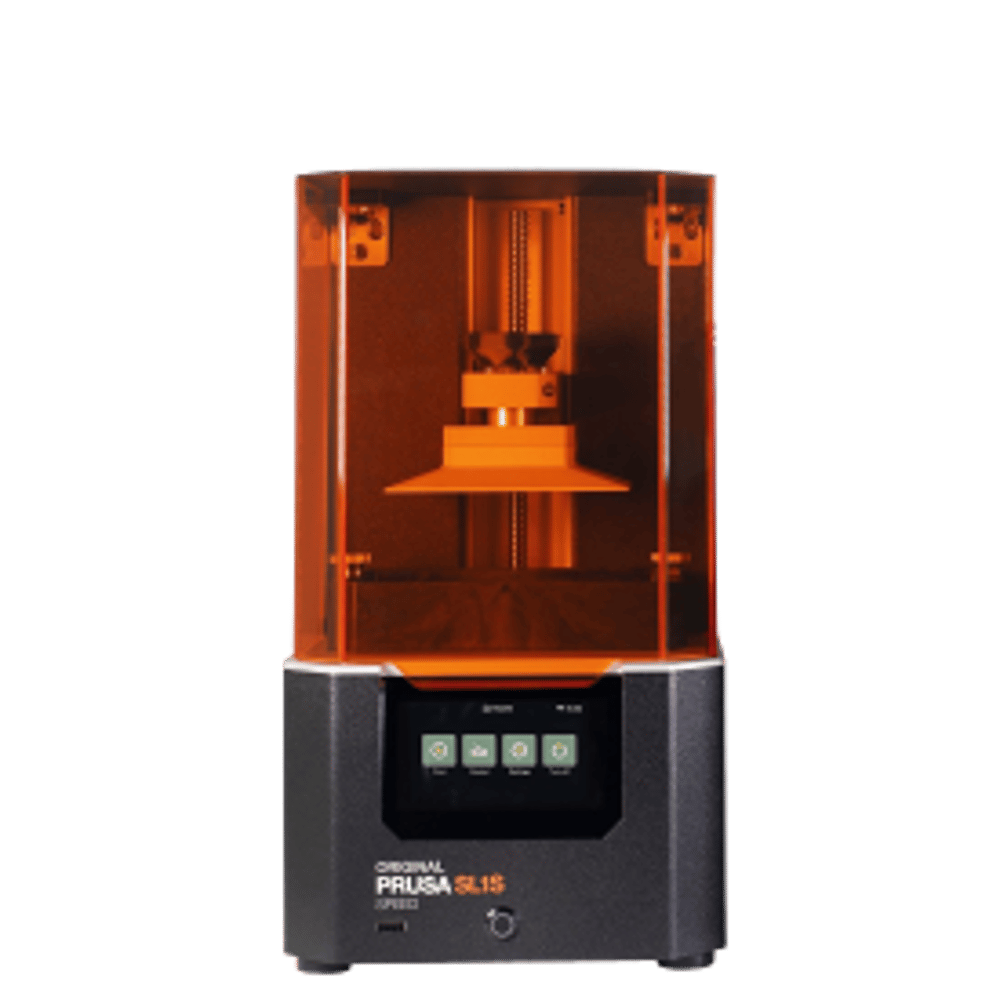
Resin printing uses UV light to harden liquid resin one layer at a time. It is the better choice when fine detail matters, such as dental models, jewellery masters, or tiny miniatures. The trade-off is a smaller build area and more post-processing. Resin needs careful handling, and each print must be washed and cured after printing. Prusa SL1S is a desktop MSLA 3D printer.
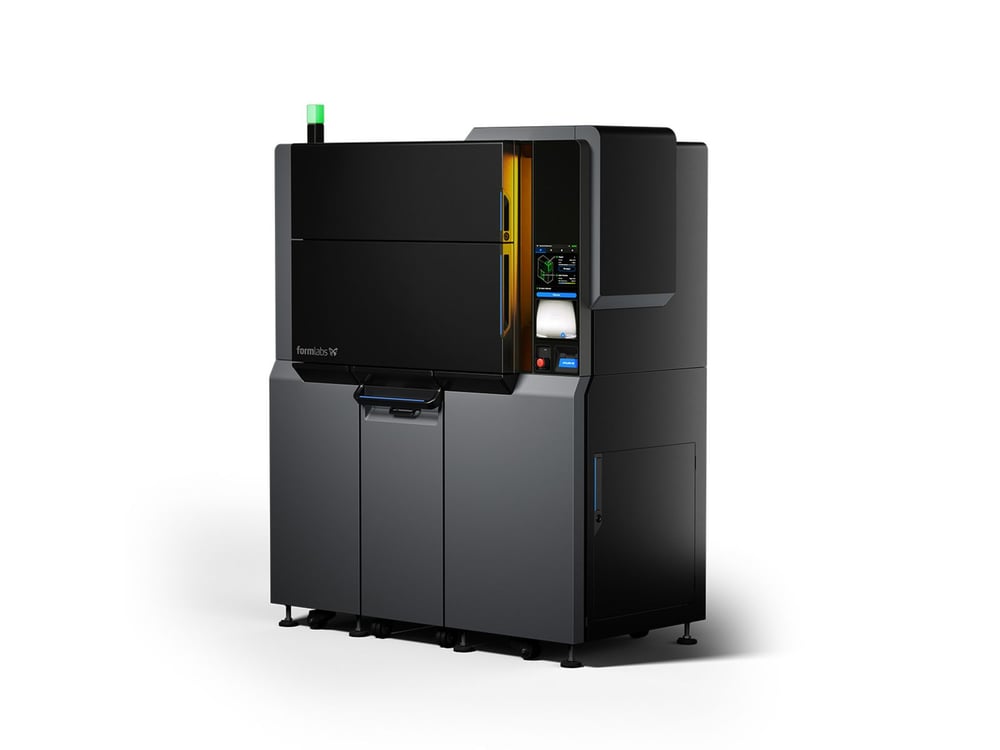
SLS uses a laser to fuse fine powder into solid parts. It is an industrial process, not something you would normally use at home or on a desktop. Machines start at roughly $6,000, so SLS is usually used by businesses that need it for regular production rather than occasional printing.



Frequently asked questions
For schools, that means students can focus on the project rather than learning complex setup procedures. For small businesses, it means someone can print a bracket, jig, display part, or prototype without handing the job to a specialist.
You still need to place the printer on a stable surface, load the right material, and keep the print sheet clean. After that, the machine takes care of the repetitive checks.
Built-in smart sensors and software routines ensure that using a 3D printer is a nearly effortless job. Just make sure the printer is clean and the right material is loaded. And when a print fails? Remove it from the printer, see what went wrong, and start a new one.
1) How to download or create a model
2) How to prepare it in slicer software
3) Which filament to use for the job
You do not need to learn CAD on day one. Millions of free and ready-to-print models are available. Students in a class can print a project quickly, a small business can make a simple tool on-site, and a home user can replace a broken part before learning to design their own. Prusa offers a number of Prusa Academy courses that will give you an in-depth look and make you an expert in all sorts of fields.
For regular use in a classroom or small business, it helps to assign someone to check the printer occasionally and keep a few spare nozzles and print sheets on hand. That is basic equipment care, not a specialist maintenance programme. It's like a drill and drill bits.
The practical advantage is speed. A teacher can turn a lesson into something students can hold. A workshop can print a custom fixture instead of waiting for one. A small business can test a product change today, not after a supplier’s lead time. Prusa’s education resources specifically position its printers and manuals for complete beginners.
When you’re ready to choose
Once the three guides make sense, the last step is picking a machine that fits how you’ll actually use it. The wayfinder routes you into the right lineup for makers, small business, enterprise or education.