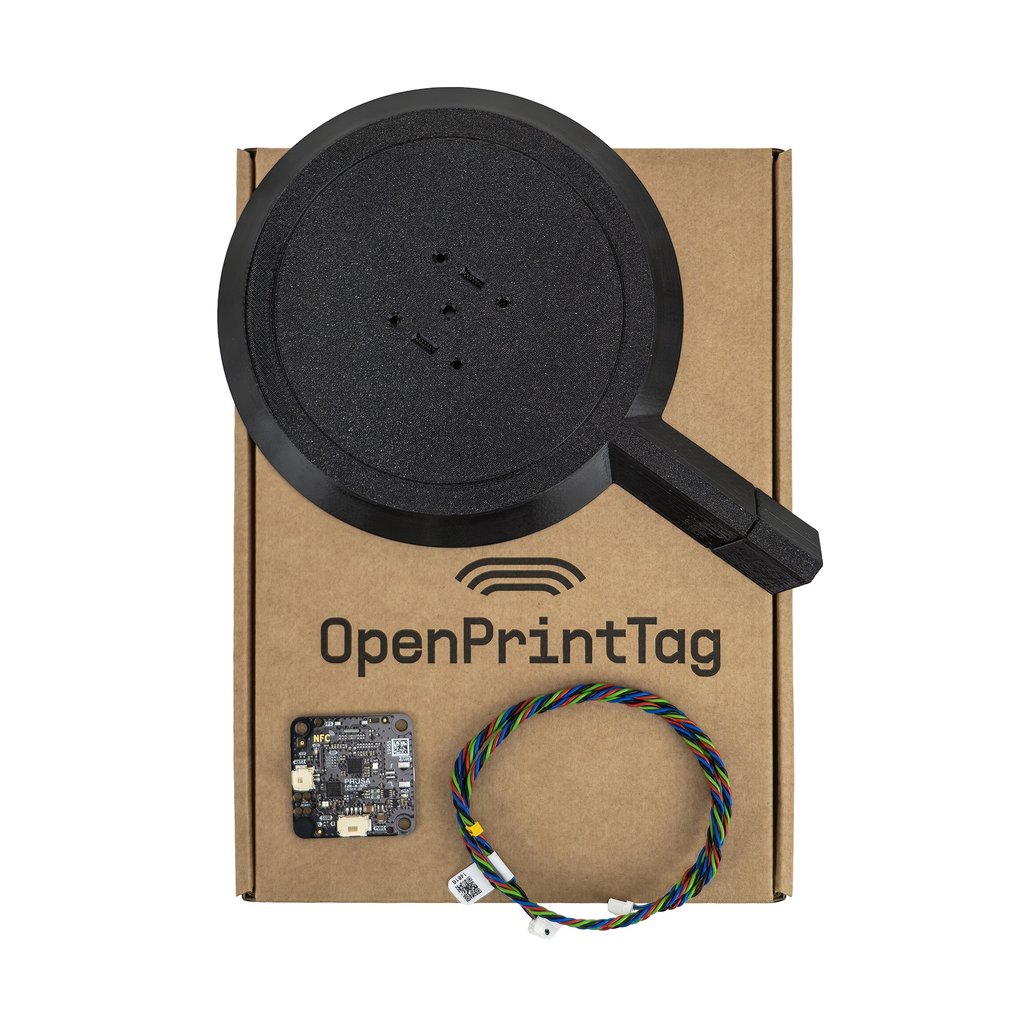
Prusa OpenPrintTag upgrade for CORE One/L
互換性なし
互換性なし
Automatic setup and preheat
Insert the filament and the printer reads the material and color from the tag, then starts heating to the target temperature. No more printing with the wrong filament!

Remaining material tracking
When the print is done, the printer writes the remaining material amount back to the tag. You always know how much is left on the spool before starting your next print.

Easy to install
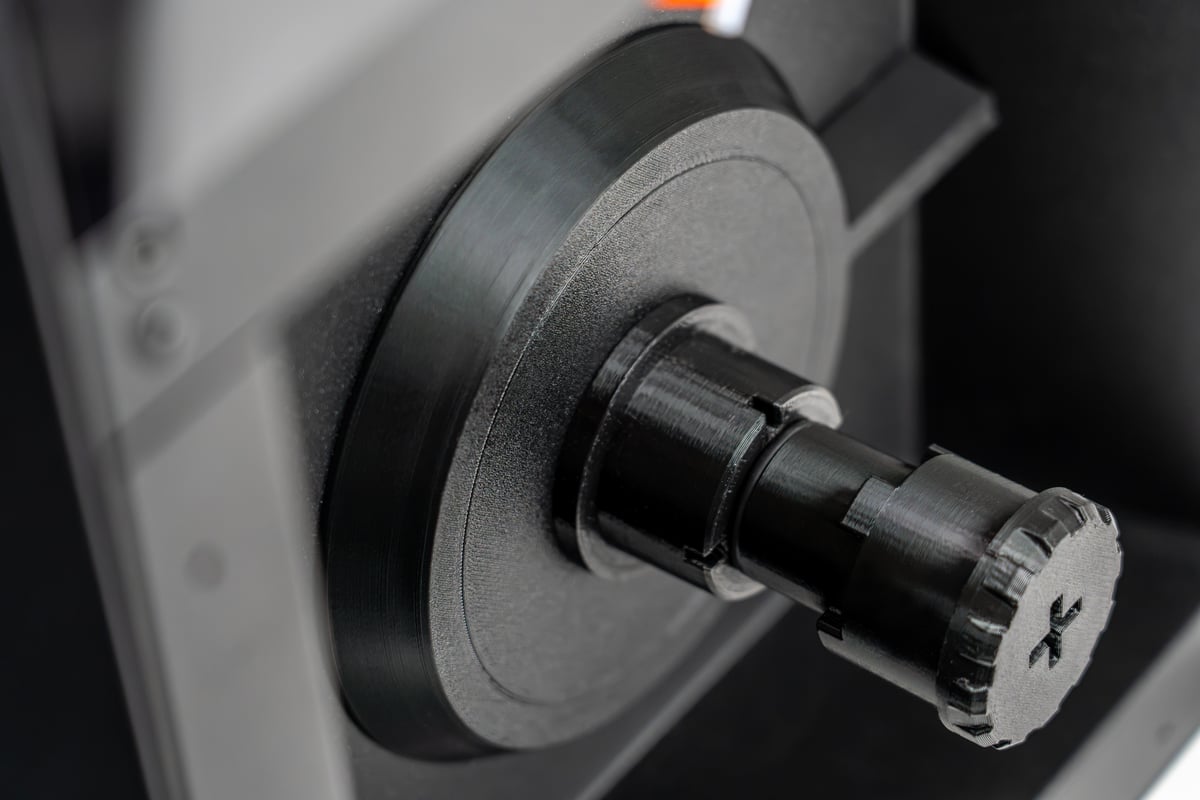
Remove the spool holder, mount the reader, plug the cable into the xBuddy board and screw the holder back on. Clear step-by-step instructions guide you through the job.
Read more in our announcement article.
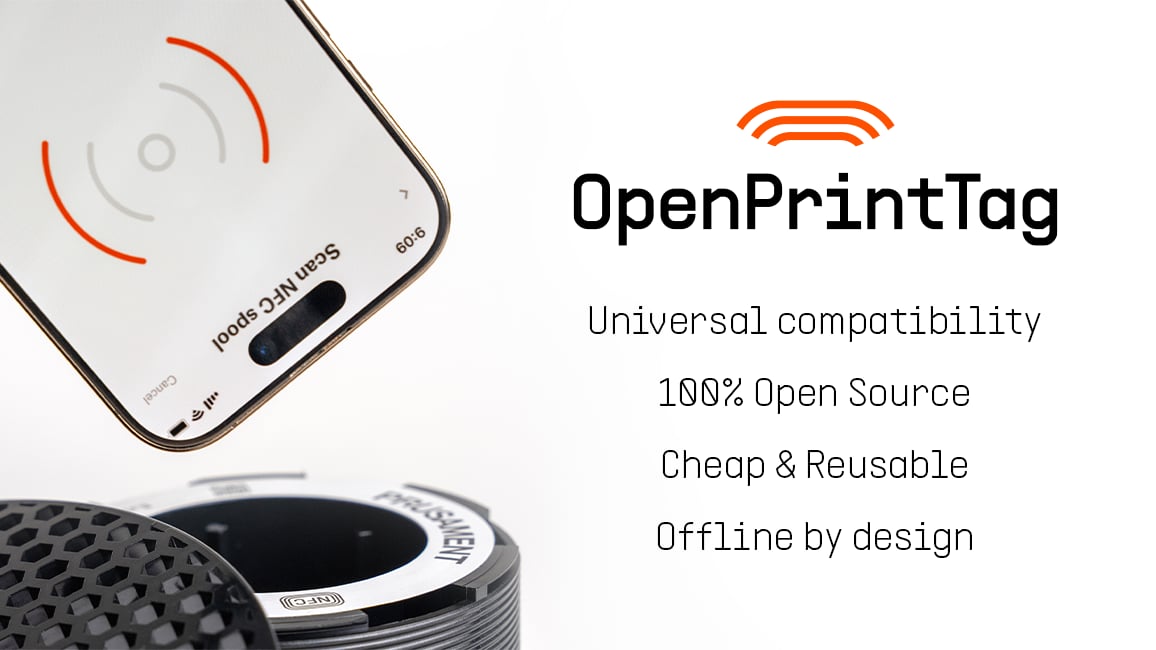
Starting October 2025, all Prusament filaments ship on a redesigned spool with a fully rewritable NFC tag powered by the OpenPrintTag standard.
The OpenPrintTag attached to your Prusament spool contains essential data about the material and can be read with the Prusa mobile app. It works entirely offline, it is free to extend, and open for anyone to build upon.
Get the OpenPrintTag upgrade for free with the CORE One+ (Gen 2) or CORE One L+ this Black Friday, along with other gifts!
The reader sits right under the spool holder and reads the tag on the spool in any position. Just put the spool on and feed in the filament.

A free, open-source NFC tag standard that works offline and across brands. Materials are described in the public OpenPrintTag Material Database (opens in a new window).

Every new Prusament spool carries an OpenPrintTag. For spools without a tag, stick on a Blank OpenPrintTag and write the data with your phone.

Read and write tags with your phone in the Prusa App. Slice in PrusaSlicer and send prints from anywhere with Prusa Connect.

The OpenPrintTag upgrade works* with Prusa CORE One, CORE One+, CORE One+ (Gen 2), CORE One L and CORE One L+. Don't have a CORE One yet? Pick the one that suits you.
*Not compatible with the INDX or MMU3 at the moment.
Fully assembled printer or a kit
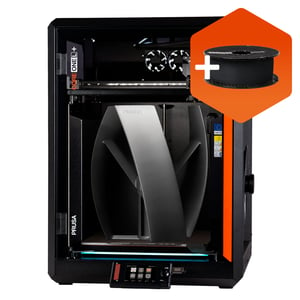
Fully assembled enclosed 3D printer with fast heating and large print volume
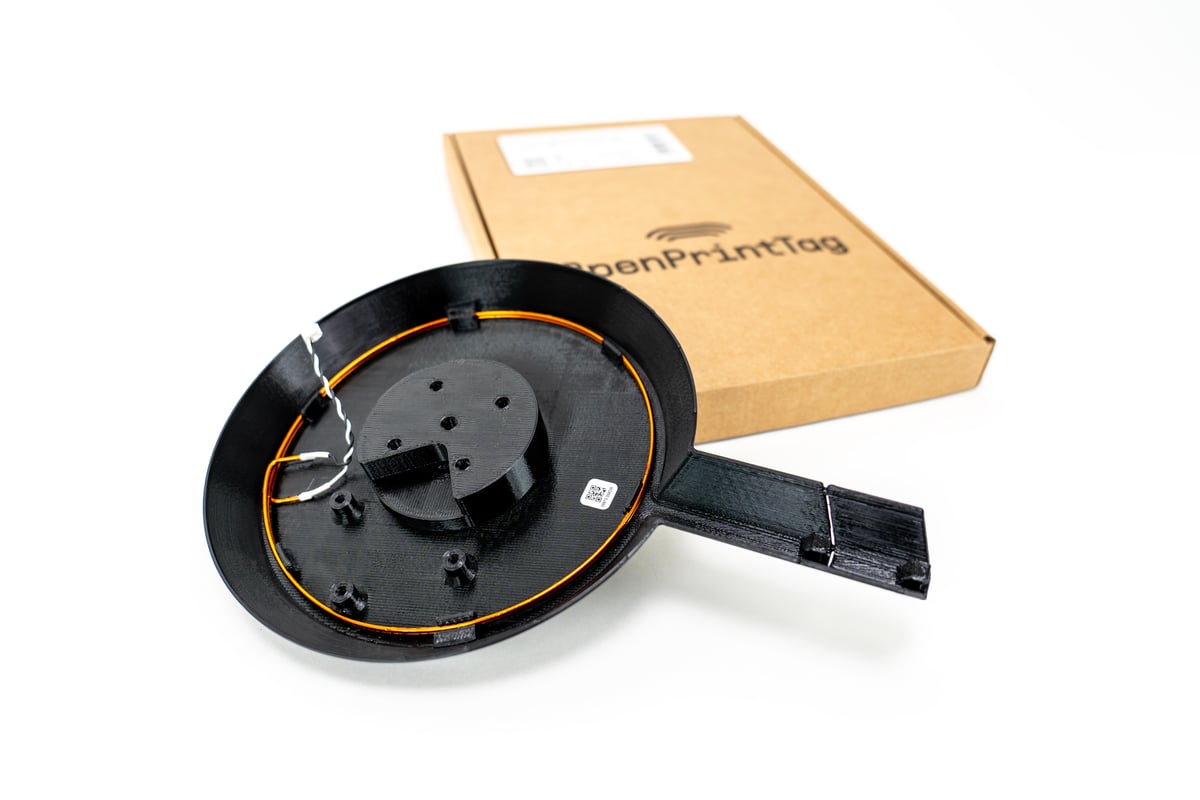
Installing the upgrade only takes a few steps. Follow our simple step-by-step guide with photos.
Everything you need to know about the OpenPrintTag upgrade. If you don't find an answer here, let us know via Live Chat.