
PRPrints_r_us
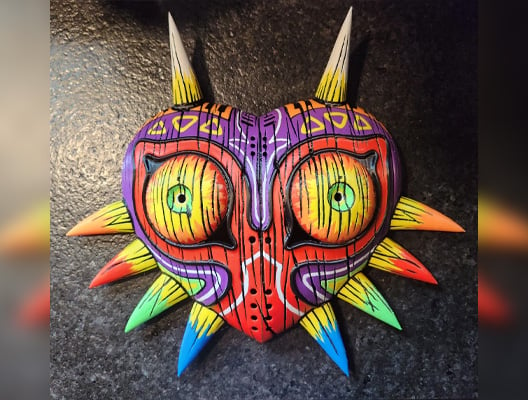
5-Color remix of Majora's Mask from Legend of Zelda, originally by 3DPrintDogs.
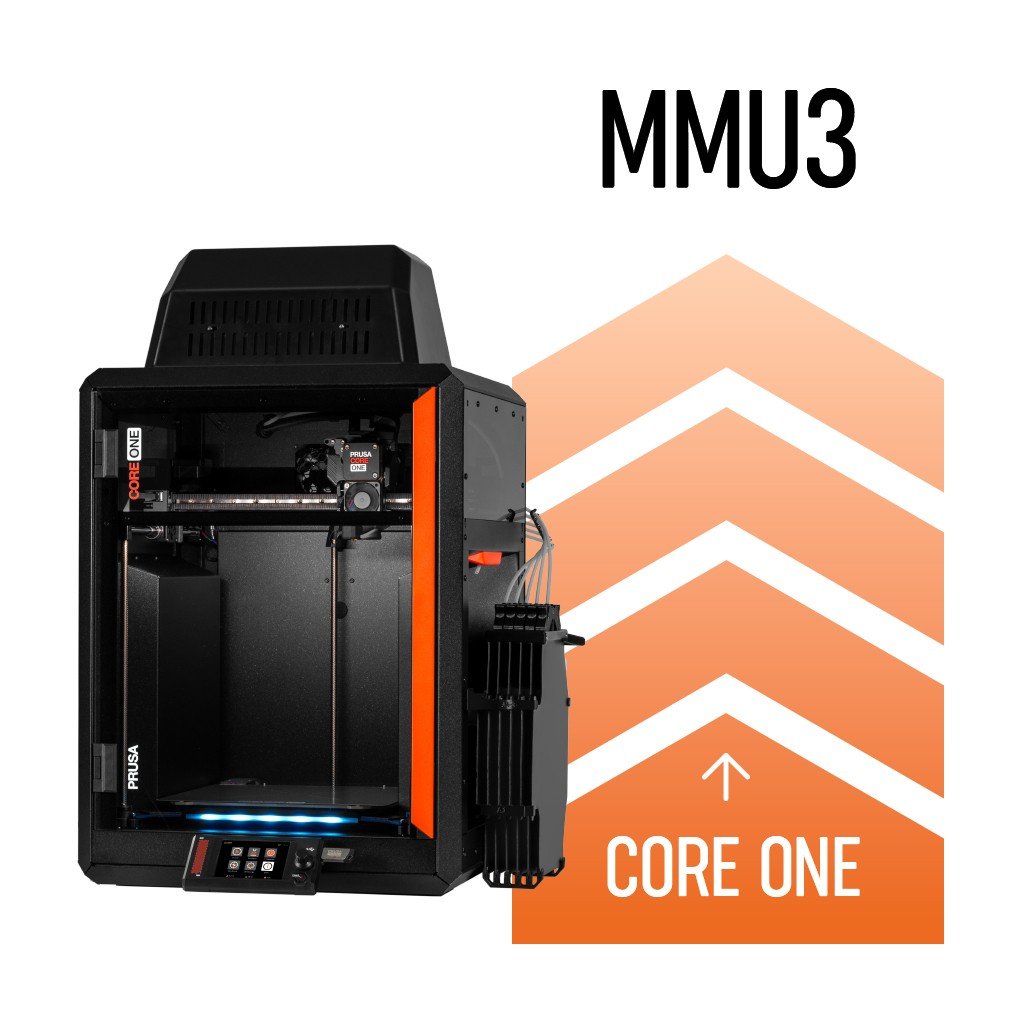
Five filaments and fully automatic switching. The MMU3 is an optional upgrade that transforms your CORE One into a multi-color powerhouse: seriously fast, minimal waste, compatible with any filament spool. Now with a massive speed boost delivered via latest firmware update!
The fastest single-nozzle multi-material solution on the market. Efficient, reliable, and with the March 2026 firmware update, it's even faster than before. Available in three configurations for every kind of user + options to run a fully enclosed or lite setup.
Real prints from real CORE One + MMU3 users. No post-processing. No painting. Straight off the printer.
5-Color remix of Majora's Mask from Legend of Zelda, originally by 3DPrintDogs.
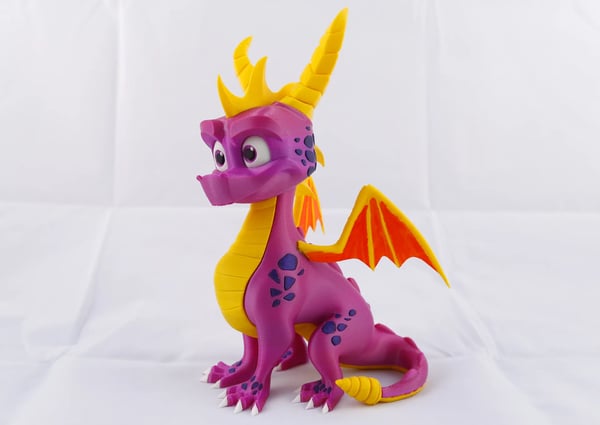
Spyro (Reignited Trilogy) MMU2S Remix by Rapterron - original files by jkavalik.
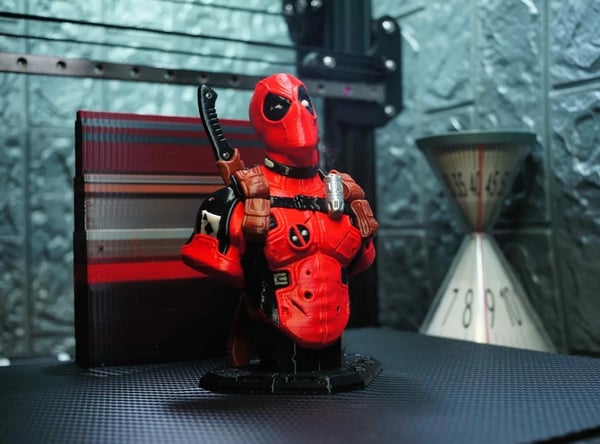
Deadpool Multicolour Remix by iczfirz. Original files by Eastman.
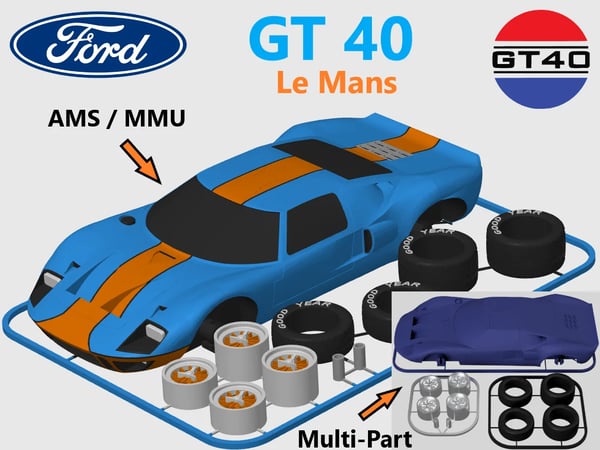
Print and build the legendary Ford GT 40 of the 60s, which has won several victories! 7.0l V8 goes wrooom!
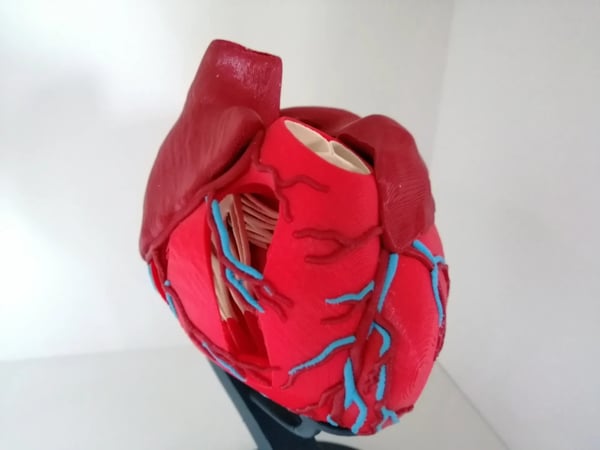
This is an anatomically correct human heart. It is created as a multi material version: The heart's Ateries, Atrium, Valve, Ventricle, Papillary and Veins are a seperate file, so you can print a fancy multicolor heart.
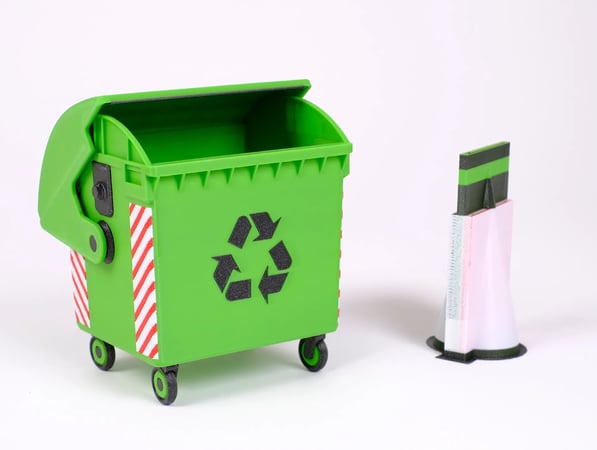
This model serves as a benchmark to test the quality, speed and waste of various multi color 3D printing solutions.
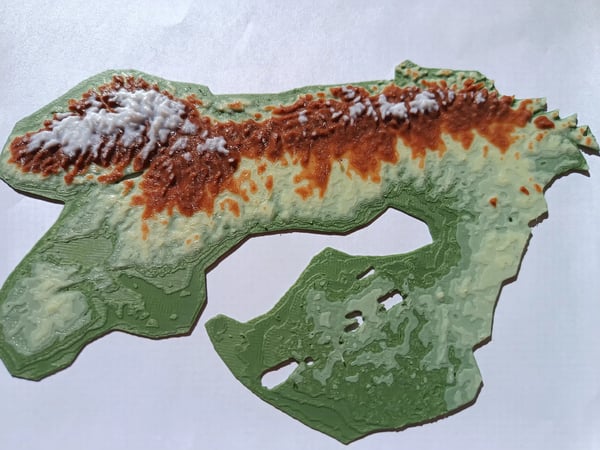
I could never figure out what the maps were indicating when i was little. So i made one that i would have been delighted with as a kid.
![[imageAlt]](https://assets.prusa3d.com/cdn-cgi/image/width=1200,height=675,quality=85,format=auto,fit=scale-down/0731c3ff-0b88-4fae-936d-7b1275c7a424.jpg)
This is for everyone who wants to start printing with colors
Not all downloadable models are available as pre-painted, ready-to-print objects. However, with EasyPrint, you can quickly turn any single-color object into a colorful art piece. It runs in your browser or on your phone and it's completely free!
With the MMU3, you can print parts that do more, look better, and need less assembly.
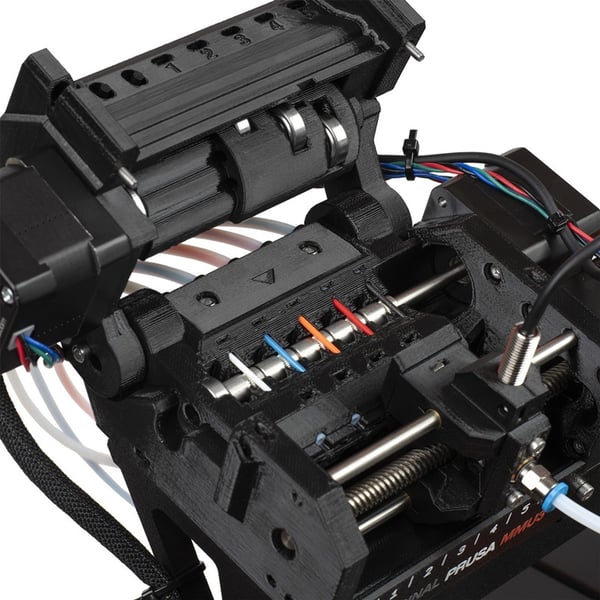
The MMU3 has full two-way communication with your CORE One, so the entire system works as one. The printer knows exactly what the MMU3 unit is doing at any point and it can even recover from incorrect filament loading and other edge cases. Thousands of filament swaps happen fully automatically when you're not in the room.
Turning a single-color model into a five-color masterpiece takes only a couple of minutes in PrusaSlicer. Use the brush tool, smart fill, or bucket tool to paint your model. Then simply hit print. Or you can download one of thousands of pre-painted models from Printables.com.
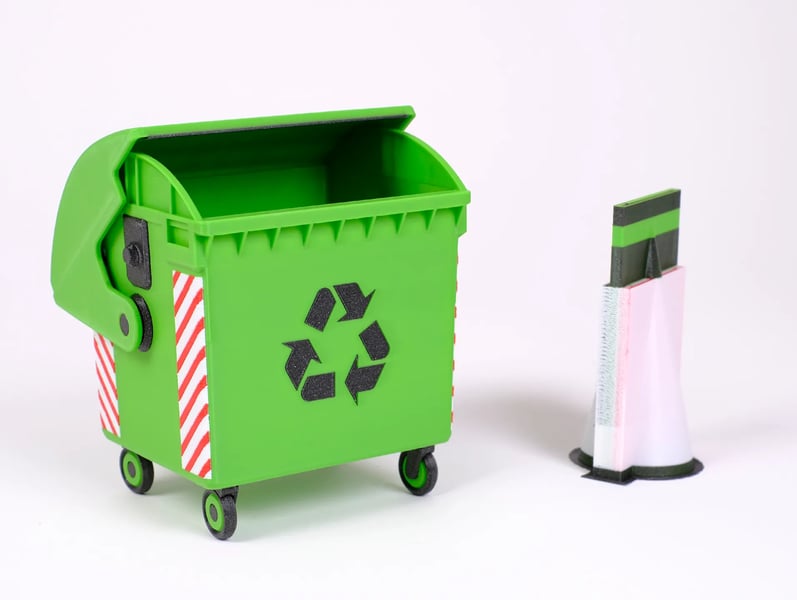
Competing multi-material systems often produce waste that weighs more than the finished print. The MMU3 goes the opposite direction: wipe-to-infill uses your object's own infill as a purge zone, wipe-to-object uses a second model, and the smart wipe tower is compact and partially hollow. The result: 73% less wasted filament than competitors in default settings.
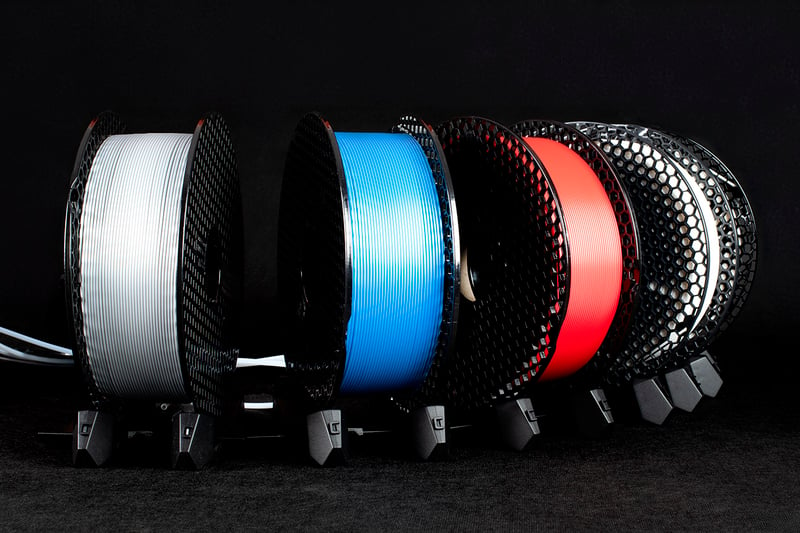
Giant 2 kg spools? The spoolholders handle them. Third-party filaments? Fully compatible. Unusual spool shapes? Download or design custom spoolholders - they're open source on Printables. No lock-in of any kind. The MMU3 works with whatever you're already printing.
The multi-material secret nobody likes to talk about
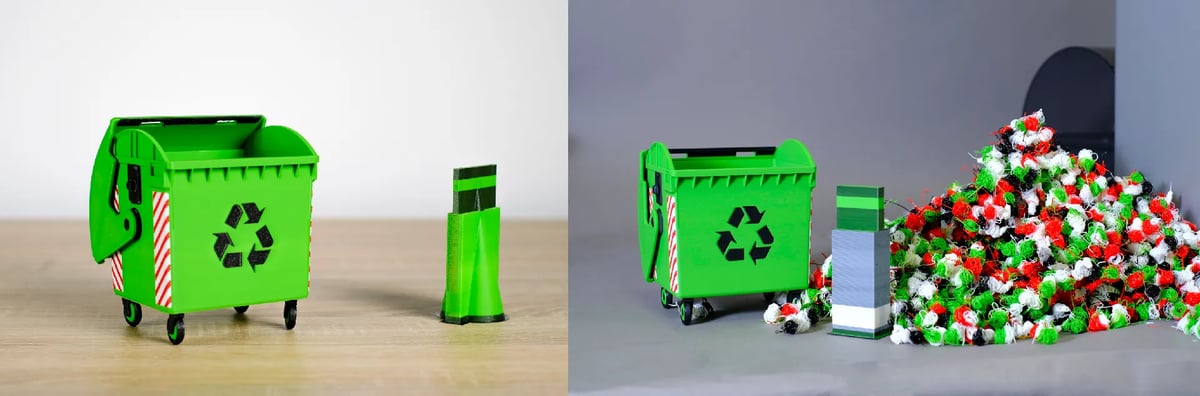
Our solution is on the left. When your printer switches filaments, it needs to purge the remaining plastic from the nozzle. On most multi-material systems, it's a problem: large blobs of plastic (aka "filament poop") pile up next to the printer. On complex models, the amount of waste can actually weigh more than the finished object. That's cash in the trash. Our machines do not do that - instead, they purge a tiny amount of plastic into a compact block called Wipe Tower.
Three convenient and easily-accessible features for saving filament and your money. Simply tick one box and you're ready to go.
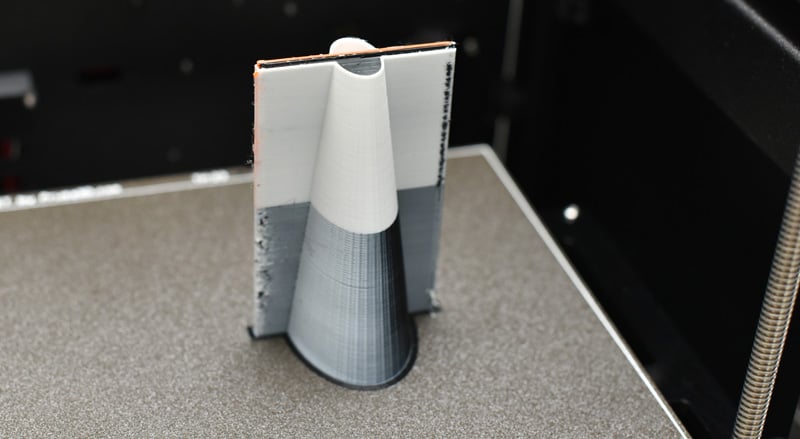
A compact tower sits next to your print and collects the purged material from every color transition. Zero setup, fully automatic. Everything nice and tidy - no plastic scraps piling up around your printer.
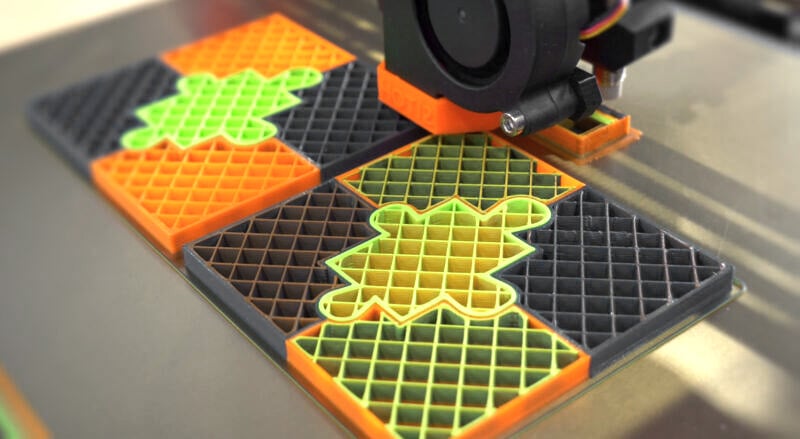
The printer will deposit purged filament into the infill of printed objects where you cannot see it - this means even less filament will be purged into the wipe tower. Greater savings, flawless results.
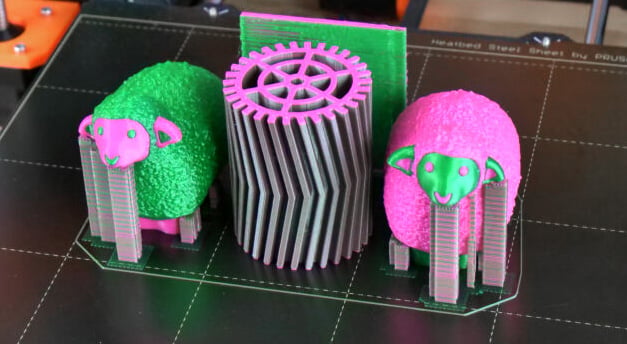
A second model on the build plate acts as the dedicated purge target. It absorbs every transition, soaking up all that mixed color filament. The result: your main model comes out perfect, and the second object turns into a cool, abstract mix of all your filament colors.
Before the MMU3 passes the baton to the upcoming INDX system, we gave it one final, substantial upgrade. The latest firmware delivers a 20% improvement in filament swap speed, dropping from ~52 seconds to ~42 seconds per change. On a complex 5-color print with thousands of swaps, it means you'll save even 10 hours of print time.
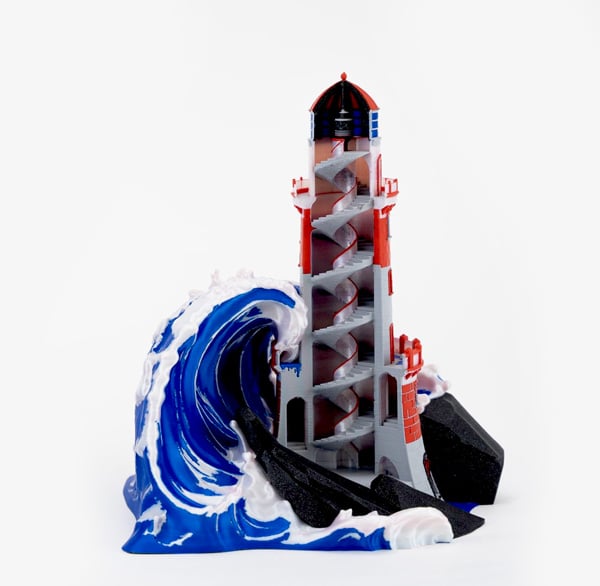
Major firmware update (March 2026)
The Lighthouse model is a stunning, complex print with 3,777 filament changes.
The new firmware update shaves off 9 seconds from every filament change. That is 33,993 seconds or 9,5 hours saved!
Read all about it in our blog post.
Every single-nozzle multi-material system has to solve the same problem: clean the nozzle between colors. The difference is in how clever (or expensive) that solution is.
From stress tests to massive, complex prints with over 5.000 filament changes - these are real r/prusa3d community experiences.
![[imageAlt]](https://assets.prusa3d.com/cdn-cgi/image/width=600,height=450,quality=85,format=auto/7b1e83f6-f696-4218-b84c-9c6c752e4510.jpg)
"About a month worth of printing and painting everything in PrusaSlicer. I truly love how reliable Prusas are!"
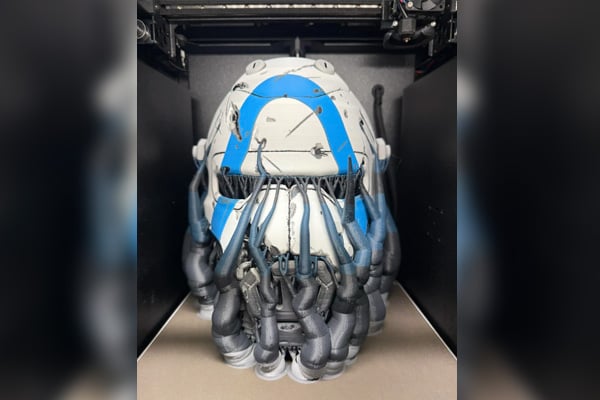
"MMU3 Stress Test: Borderlands Ripper Mask. 115 hours printing. Over 5000 tool changes."
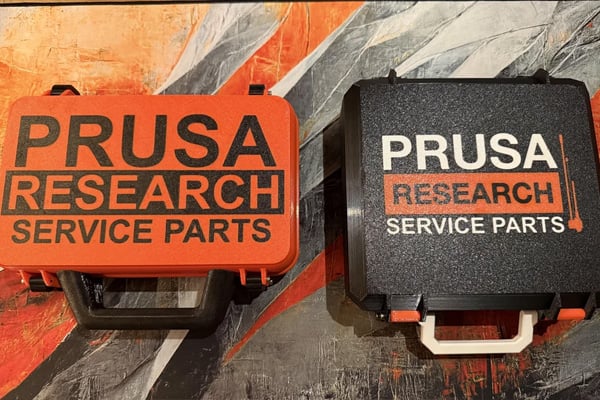
"Multi color functional prints are awesome."
![[imageAlt]](https://assets.prusa3d.com/cdn-cgi/image/width=600,height=450,quality=85,format=auto/4c29dcae-1753-48be-b62b-8fc41b23c442.jpg)
"This was my 2nd print using MMU3 after printing the 2-color benchy. Took about 2 hours and came out incredible."
![[imageAlt]](https://assets.prusa3d.com/cdn-cgi/image/width=600,height=450,quality=85,format=auto/5d85453c-afc8-44dd-9dc1-3f2893933b7f.png)
"First big print on MMU3 with 0 interventions!!"
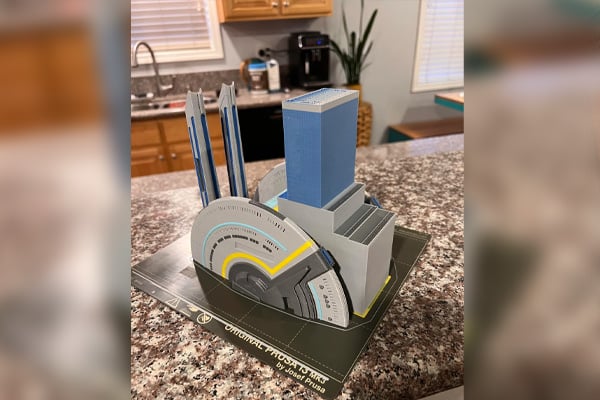
"156 hour MMU3 print 5 color print without a single intervention."
Both versions use identical MMU3 hardware. The difference is entirely in how they mount to the CORE One and what that means for your workflow.
| MMU3 Enclosed | MMU3 Lite | |
|---|---|---|
| Printer stays fully enclosed | ✓ Yes — modified top cover included | ✗ No — top panel removed |
| Installation time | Slightly longer - top cover needs replacing | Faster, the top remains open |
| Includes modified top cover | ✓ Included | ✗ Not included, can be purchased separately |
How much extra space is needed?
| MMU3 Enclosed | MMU3 Lite | |
|---|---|---|
| Printer (total dimensions with MMU3) | 465×444×700 mm (width × depth ×height) | 465×444×695 mm (width × depth ×height) |
| Spoolholders (recommended configuration) | 600×300mm | 600×300mm |
Real questions, honest answers.
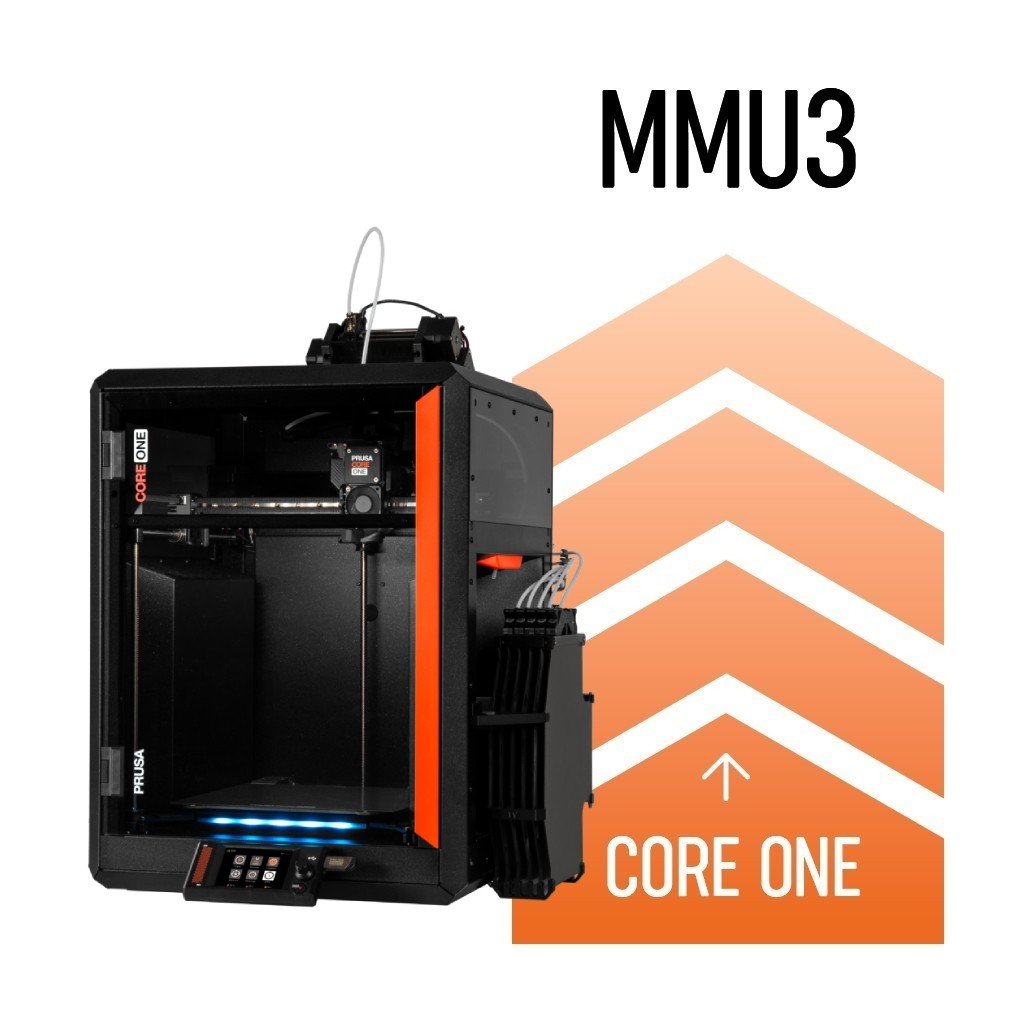
The most affordable way to 5-color printing
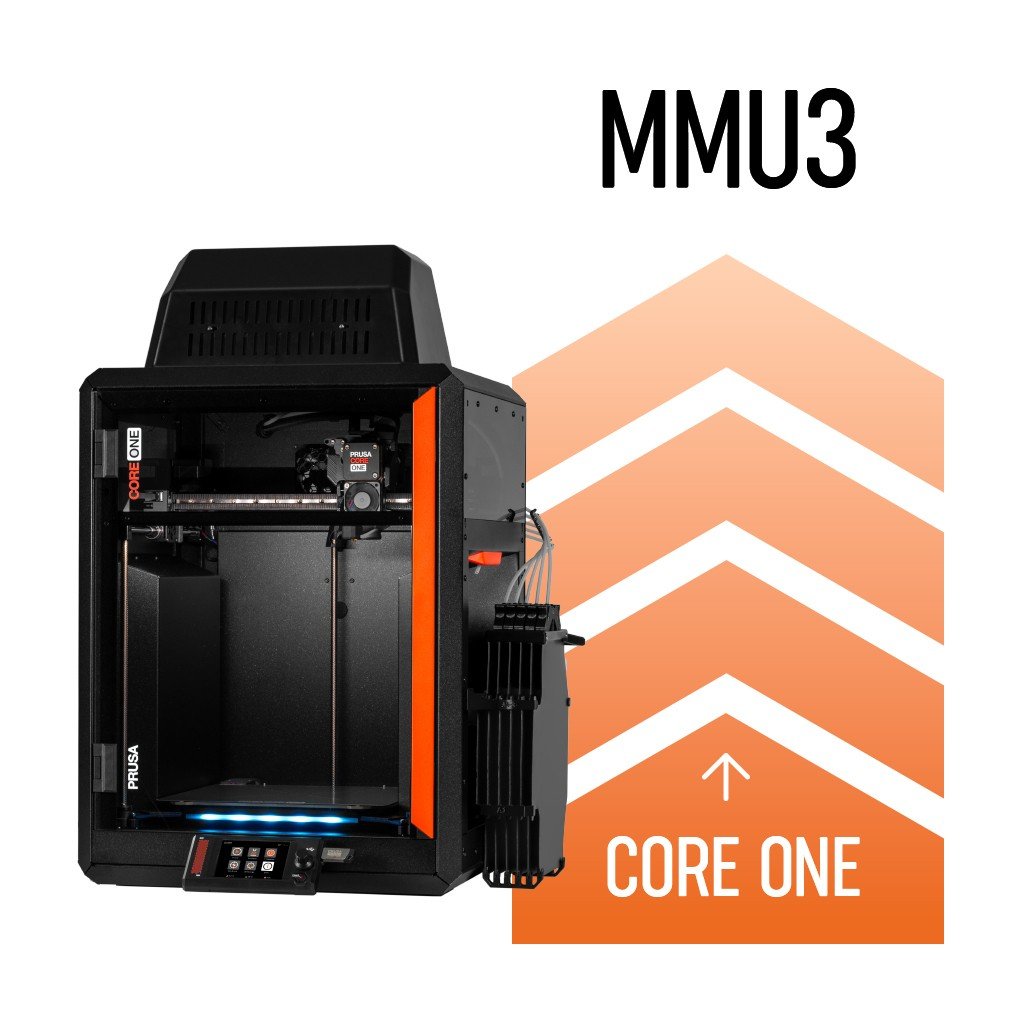
Keep your CORE One enclosed
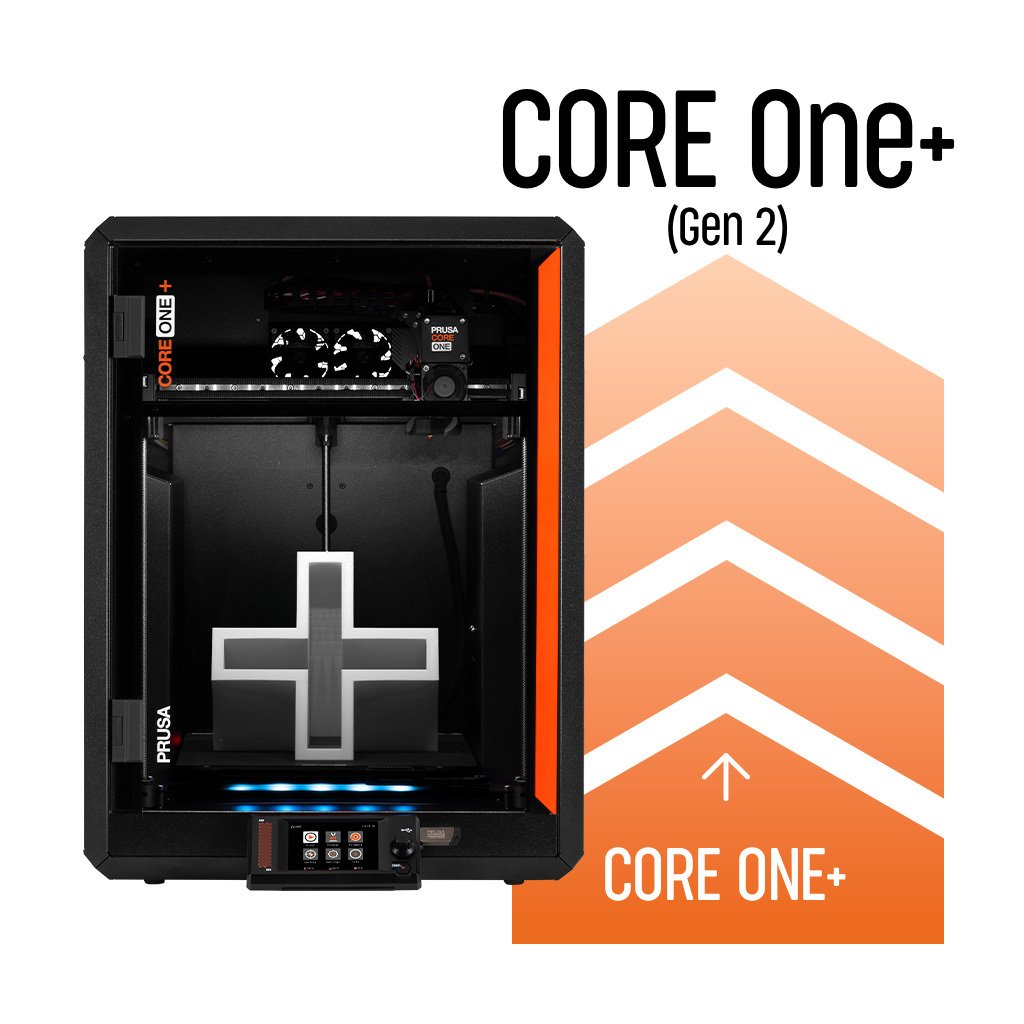
If you want to bring your current MMU3 setup from the MK4/S to CORE One+ (Gen 2)