






How to ChooseYour Perfect 3D Printer

Welcome to 3D printing! We've helped hundreds of thousands of makers start their journey. There is a perfect printer out there for everyone, and we’ll walk you through the basics to find the exact machine for your space, budget, and ideas.

Which Printer Is Right for You?

Before we get into specs, the right 3D printer really just depends on what you want to create. Pick the category that sounds most like you, and let's get started.

The Absolute Beginner

Start your journey with a dependable, easy-to-use printer. We highly recommend sticking to standard PLA plastic at first: it’s super forgiving and prints beautifully. Look for a machine that handles the calibration for you, so your very first print is a success right out of the box.

Creative Freedom in Your Workshop

Ready to tinker and build? You’ll want a sturdy machine that can safely and reliably print tougher materials day in and day out. Think PETG, flexible TPU, or even ASA for outdoor projects. An open-source printer with easy upgrades and a massive, helpful community will let your setup grow right alongside your skills.

The Engineering Professional

When downtime isn't an option, reliability is everything. You need an enclosed printer built for tough, high-temperature engineering plastics (like nylon or carbon-fiber blends). Look for rock-solid consistency, advanced network security, and 24/7 technical support you can actually rely on.

Safe, Simple, and Predictable

Whether in the classroom or the living room, safety and peace of mind come first. You want a printer that is practically plug-and-play, with a setup so easy a kid can help. A machine that 'just works' every single time is way more valuable than one packed with complicated features.

Bring Production In‑House

Time is money. A dependable 3D printer pays for itself incredibly fast if it saves you from outsourcing prototypes or custom tools. Look for a machine that delivers consistent, repeatable results, and software features that make it easy to manage your workflow and run multiple printers at once.

Big Props and Visual Impact

Making helmets, armor, or massive props? A large print area is fantastic, but remember: you can always slice huge models into smaller pieces! Focus on finding a highly reliable printer that excels with standard plastics, which are much easier to sand, prime, and paint for that perfect cinematic finish.

FDM vs Resin: Which Technology Fits Your Projects?

When choosing a 3D printer, you really only need to decide between two completely different ways of making things: melting solid plastic wire (FDM) or curing a pool of liquid chemical resin. Let's break down which one makes sense for your projects and workspace.

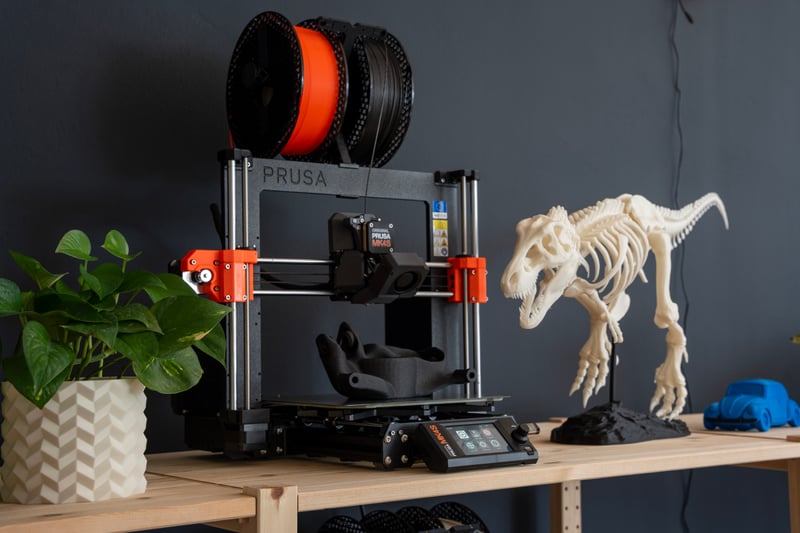
FDM 3D printer creating a larger functional print

FDM / Filament Printing

The undisputed champion for 99% of users. FDM printers work by melting a solid spool of plastic filament and drawing your object layer by layer. They are the best choice for beginners, but they are also the workhorses of the industry. Because they are cost-effective and easy to maintain, FDM is perfect for everything from everyday desk toys and cosplay armor to professional engineering prototypes and small business manufacturing.

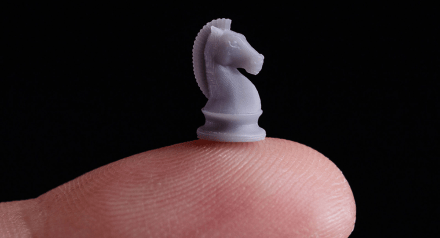
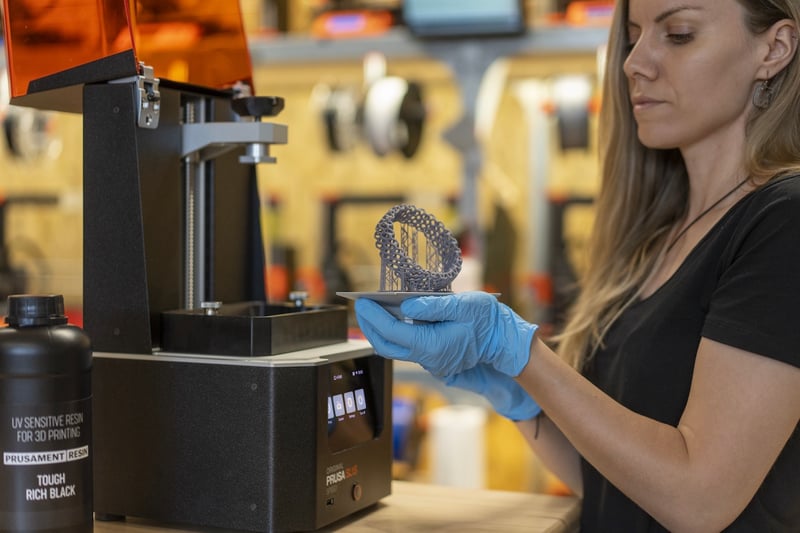
Highly detailed small printed object representing resin-style detail work

Resin / SLA / MSLA Printing

If your main goal is to print incredibly tiny, ultra-detailed objects like tabletop miniatures, jewelry prototypes, or precise dental models, resin is the way to go. Instead of melting plastic wire, these printers use a UV screen to harden a vat of liquid photopolymer resin. While the smooth, high-resolution details are stunning, the process is much more demanding. Because working with liquid chemicals requires mandatory ventilation, safety gear, and messy post-processing washes, this technology is much better suited for a professional environment or a dedicated workshop rather than your home office.

Why Trust This Guide?

We make 3D printers, so yes, in the end we will recommend ours. As a manufacturer building machines in Europe and the US, our vision is to create hardware that is made to last and easy to upgrade as your skills grow. With that same mindset, we wrote this guide to be as objective as possible, so you know what to look for no matter which brand you buy.

700,000+
Printers shipped worldwide
Trusted by weekend hobbyists, schools, and professional engineering teams.
1,000,000+
Community members
A highly active user base sharing models and advice daily across Printables.com and forums.
14+ years
Of continuous development
We've been designing, building, and pushing the boundaries of 3D printing since 2012.
800+
Printers running 24/7
We practice what we preach, running our machines 24/7 to make parts for new printers.
24/7
Live tech support
Real experts who use the machines daily, ready to help you troubleshoot day or night.
100%
Repairability mindset
No planned obsolescence. Replace or upgrade parts, reprint the plastic components yourself.

5 Key Factors When Choosing a 3D Printer

When comparing models, it’s easy to get lost in the spec sheets. Here are 5 things we've learned from over a decade of experience that actually make or break your daily printing experience.

3D printer setup showing multiple toolheads and finished prints

Print Speed vs. True Reliability

It’s easy to chase maximum speed numbers on the box. But without precision, a fast printer just gives you a bad print faster. A reliable machine that delivers a flawless part on the first try will always save you more time than a speedy one that forces you to reprint.

Desktop 3D printer shown in a compact workspace

Build Volume: How Big Do You Actually Need?

It’s tempting to buy the biggest printer possible, but consider your actual desk space. A reliable, medium-sized printer covers 90% of everyday projects. Even for large props, printing in smaller sections is usually the smarter move, it makes sanding, painting, and assembling much easier, and you don't need a massive machine to do it.

Rows of 3D printing filament spools in different materials

Material Compatibility: What Will You Actually Make?

Standard PLA is perfect for indoor toys and desk organizers. But if you want to make heat-resistant car parts, flexible grips, or weather-proof outdoor gear, your printer needs to handle advanced materials safely. This usually means high-temperature nozzles and an enclosed printing chamber.

3D printer assembly kit being built on a workbench

The Setup: Plug‑and‑Play vs. DIY Kit

Want to start printing in 20 minutes? Buy a fully assembled, plug-and-play machine. Want to save money and learn exactly how your hardware works? Building an assembly kit is an incredibly rewarding weekend project that takes the fear out of future maintenance and upgrades.

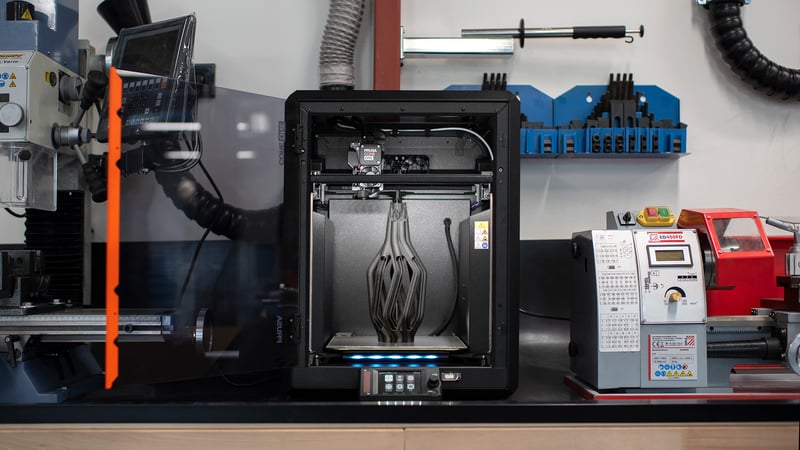
3D printer operating in a workshop with support and monitoring tools nearby

Quality of Life: Perfect First Layers & Sensors

A perfect first layer is the absolute secret to 3D printing success. Look for machines with automatic, flawless bed leveling, so you can just press print and walk away. Smart features like power-loss recovery and filament sensors might sound like 'extras,' but they will save your prints and your sanity.

What Does a 3D Printer Cost?

You aren't just buying hardware; you are buying reliability and your own time. Here is what you can realistically expect at the three most common price points. Pro tip: Plan for roughly $20–$50 a month for filament if you print regularly!

Entry‑Level

The Perfect Starting Point

$200 - $500Low risk, high fun
  • Perfect for kids and weekend projects. You get reliable, high-quality PLA and PETG prints, a guided setup, and core safety features without the hefty price tag.

Professional

Uncompromising Production

From $2,000Maximum uptime, advanced materials
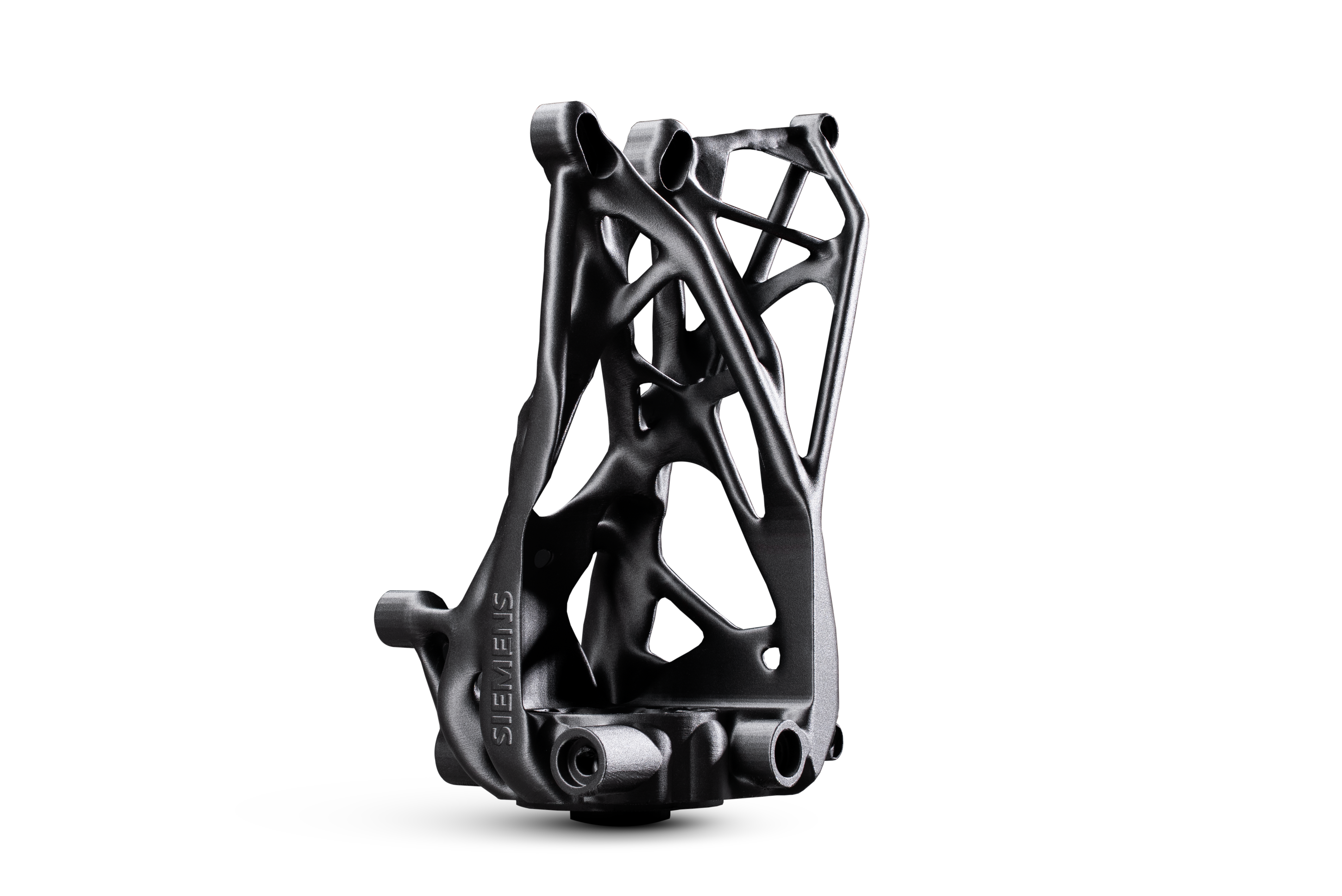
  • Built for 24/7 repeatable output with tough engineering plastics. Includes fleet management software and priority business support.

What Do You Actually Want to Print?

Most people don't wake up dreaming about PETG or TPU. They dream about the actual things they can make: custom toys, unbreakable replacement parts, or precision tools. Find your dream project below, and we’ll tell you exactly what materials and printer features you need to make it happen.

Everyday Fun & Organizers

PLA / PETG

Everyday Fun & Organizers

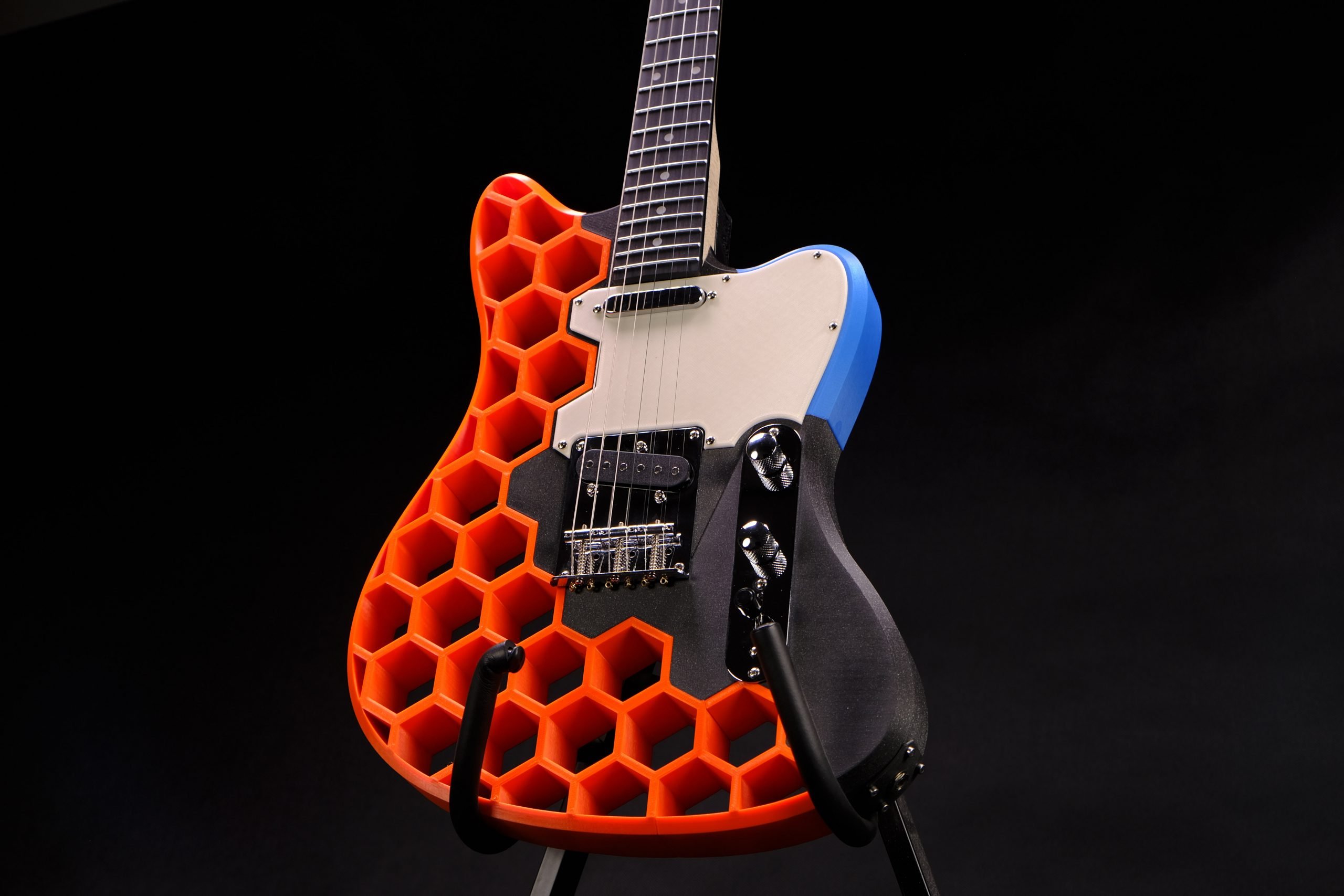
Desk toys, plant pots, and even fully playable electric guitars, like the famous Prusacaster! These low-stress projects are perfectly served by standard, open-frame printers using PLA or PETG.

Durable Household Fixes

PETG / ASA

Durable Household Fixes

Broken appliance knobs, wall mounts, shelf brackets, and outdoor tools. These demand stronger, UV-resistant materials. You will want a printer tuned for PETG or ASA, and an enclosure helps tremendously.

Flexible & Soft-Touch Parts

TPU

Flexible & Soft‑Touch Parts

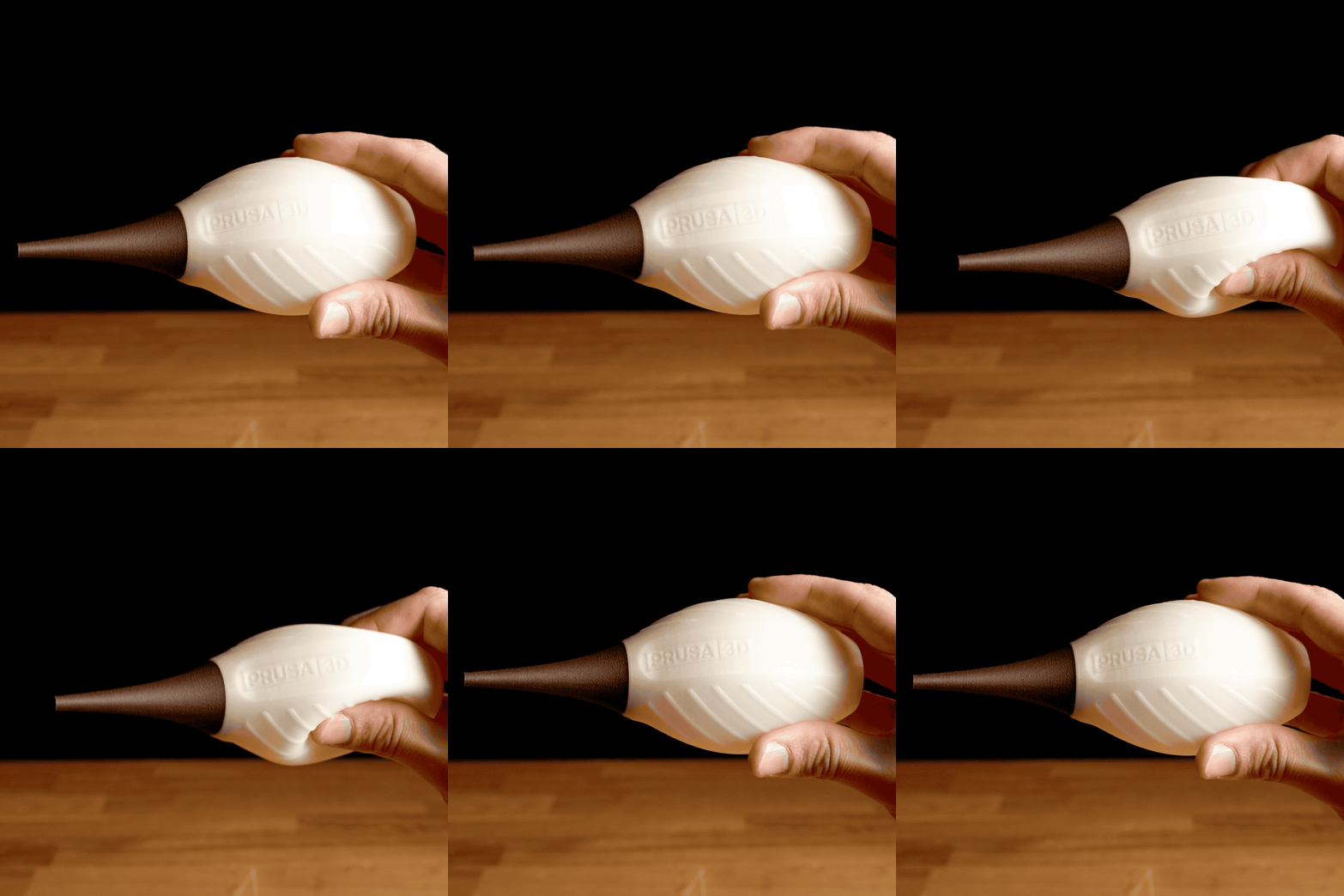
Custom phone cases, shock-absorbing feet, drone bumpers, and RC tires. Printing rubber-like, flexible materials is notoriously tricky. You'll want a reliable printer that is capable of feeding soft plastics smoothly without them tangling or jamming.

Engineering-Grade Components

ASA / Nylon / PC / CF

Engineering‑Grade Components

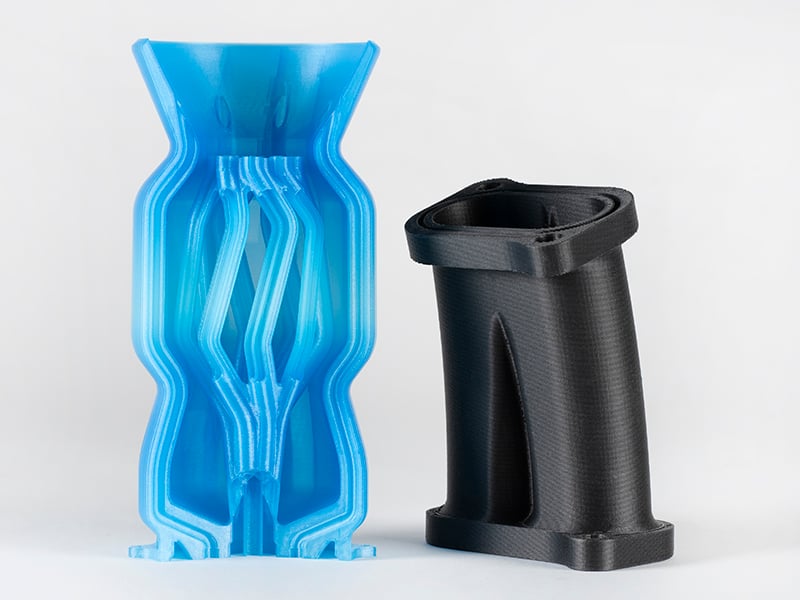
High-heat machine covers, structural car parts, and manufacturing jigs. This is the heavy-duty stuff. You absolutely need a fully enclosed printer, a hardened nozzle, and ideally an actively heated chamber to prevent parts from warping.

Cosplay & Large Props

PLA / PETG

Cosplay & Large Props

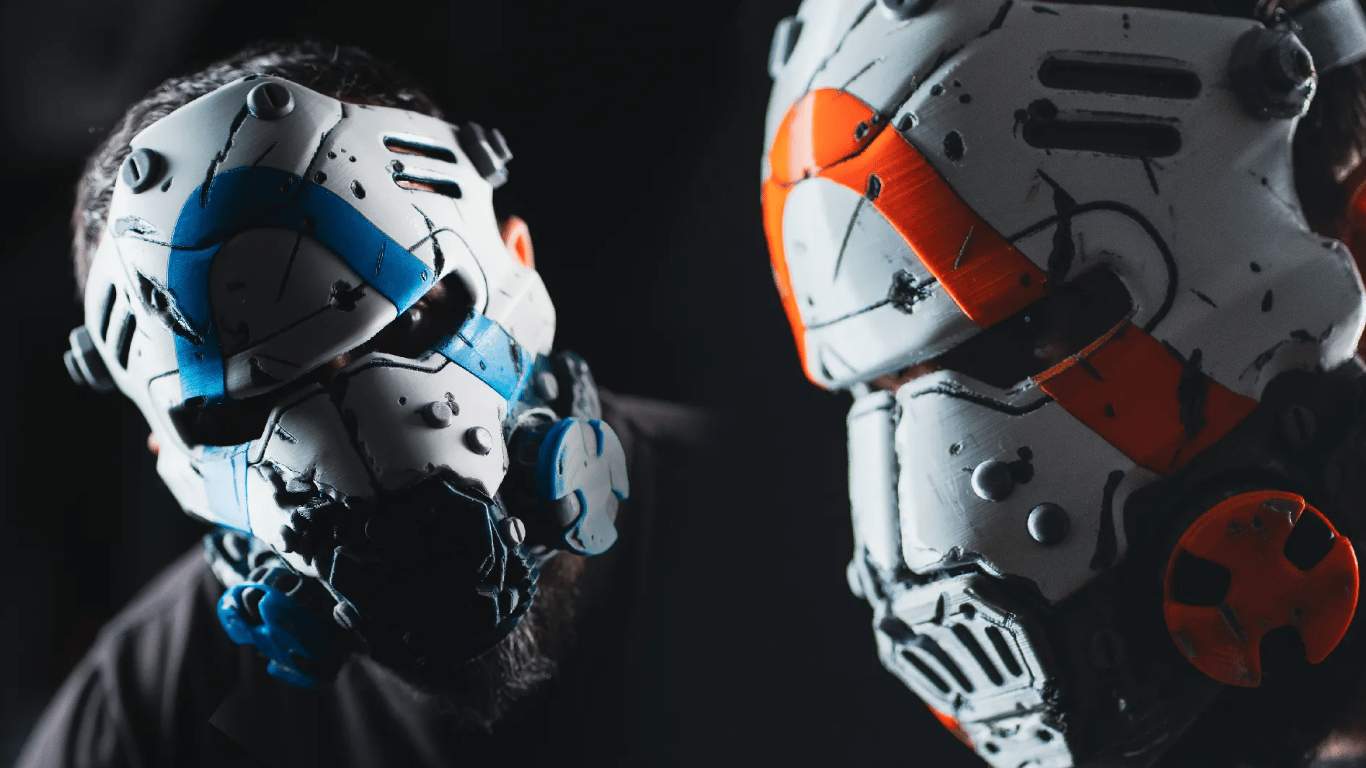
Helmets, armor, and massive visual props. These multi-day prints require a rock-solid, reliable machine that won't fail 30 hours in. You'll primarily use standard plastics that are easy to glue, sand, and paint.

Ultra-Fine Details

Resin / SLA

Ultra‑Fine Details

Tabletop miniatures, jewelry prototypes, and incredibly detailed scale models. When you need invisible layer lines and flawless surface quality, an SLA printer using liquid resin is the only way to go.

Which Hardware Style Fits Your Workspace?

Now that you know what you want to make, let's look at the physical machine itself. 3D printers generally come in three distinct shapes, each built for a very different type of workflow and environment.

Open-frame FDM printer on a desk

The Open‑Frame Desktop

Best for everyday prints, tinkering, and immediate access to your parts. Open-frame designs offer maximum visibility so you can watch your prints come to life, and they make maintenance incredibly easy. They are the undisputed standard for PLA and PETG projects.

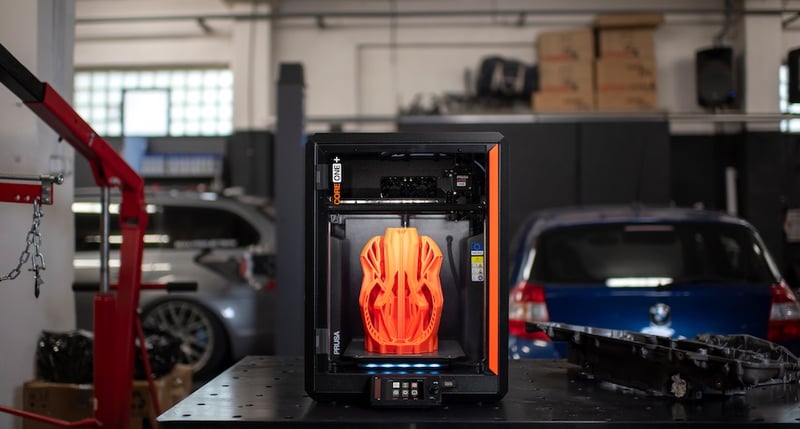
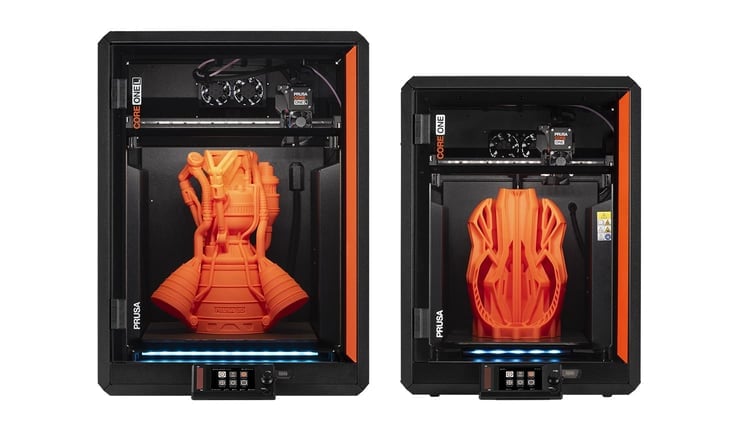
Enclosed FDM printer for advanced home and workshop use

The Enclosed Chamber

Best for advanced materials and shared spaces. A fully enclosed printer traps heat to maintain the stable temperatures required for strong, warp-free engineering parts (like ASA or nylon). As a bonus, it dampens operating noise and keeps curious hands or pets away from hot components.

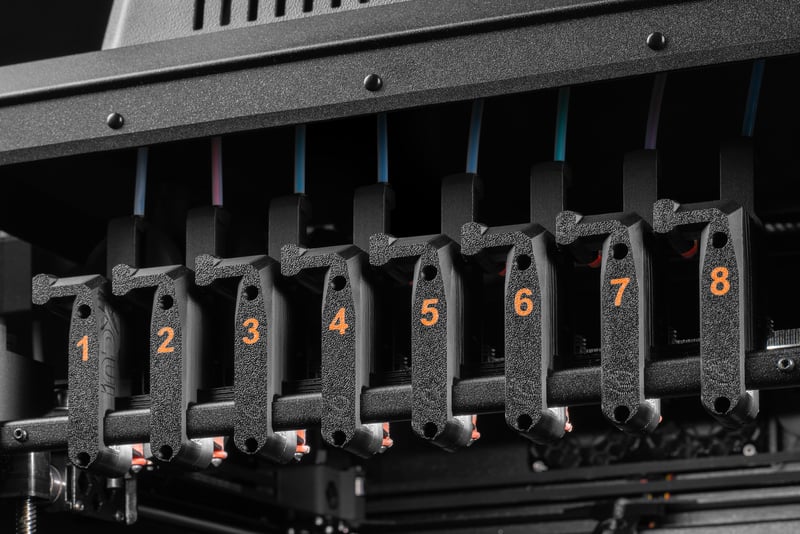
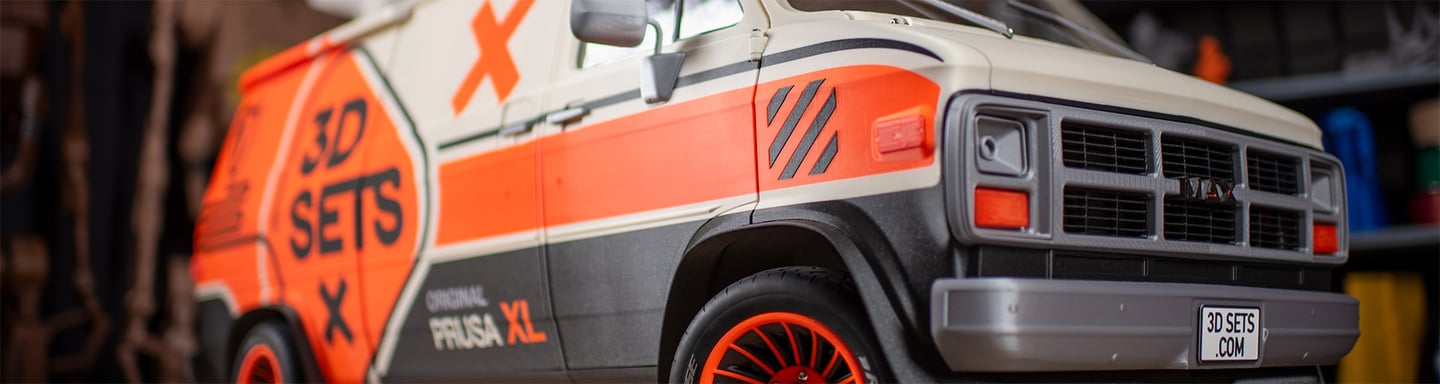
Professional multi-toolhead 3D printer for engineering work

Large‑Format & Multi‑Toolhead

Best for massive props, zero-waste multi-color art, and complex engineering. If you want to print a full-sized helmet in one piece, or seamlessly print flexible rubber gaskets directly onto hard plastic, you need a large-format machine with multiple independent print heads.

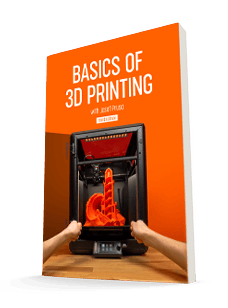
Free E-Book: Basics of 3D Printing

Ready to dive deeper? This free 60-page guide bridges the gap between basic concepts and actual terminology. Learn everything from slicing and infill to extruders and materials so you can print like a pro.

  • 60+ pages of practical 3D printing knowledge.
  • The complete printing process, from start to finish.
  • In-depth material guides and slicing tutorials.
Loading form…

We will send you the e-book and occasional helpful updates about 3D printing and Prusa products.

Basics of 3D printing e-book cover

What Do You Need Besides the Printer?

Hardware is only half the equation. From the software that prepares your files to the physical tools on your desk, here are the digital and physical essentials you will use every single day.

A Library of 3D Models

You don't need to know how to use 3D design software. Community hubs like Printables.com have millions of free, high-quality models ready to download—from replacement appliance parts to tabletop dragons.

Printables.com logo
Explore Printables

Slicing Software

Before you print, you need a 'slicer' to translate the 3D model into instructions the printer understands. Our free PrusaSlicer comes with perfectly tuned, built-in profiles so you can just select your material and hit slice.

3D slicing software
Download PrusaSlicer

Remote Management

Forget carrying files back and forth on a USB drive. A good network ecosystem lets you send print jobs directly over Wi-Fi, monitor progress from your phone, and manage your printer securely from anywhere.

Prusa Connect logo
Login to Prusa Connect

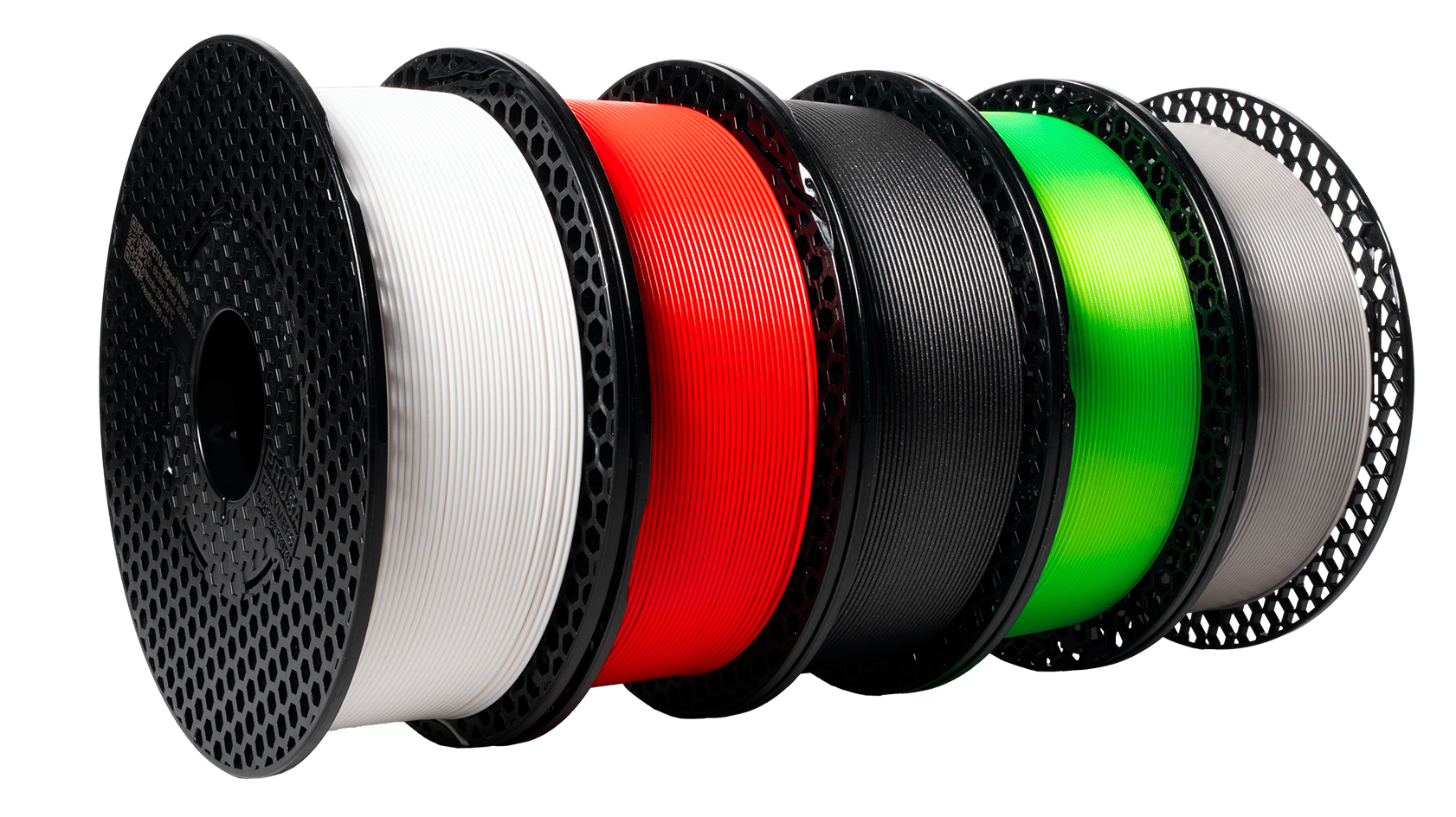
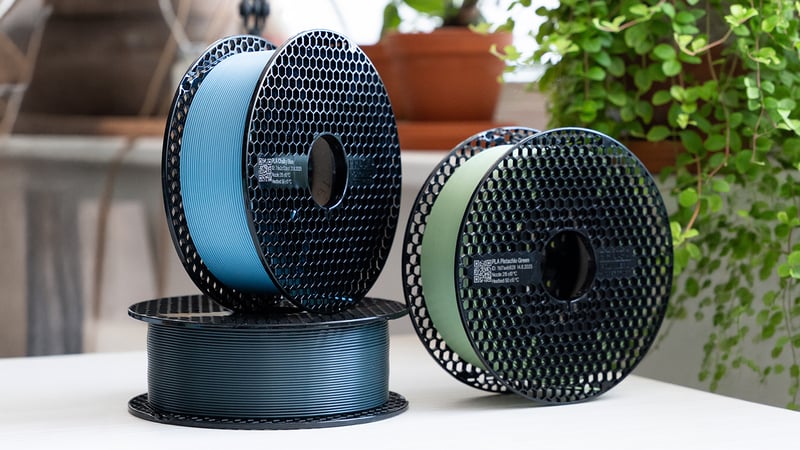
High‑Quality Filament

The plastic you use dictates the quality of your print. Investing in high-quality, precision-made filament (like Prusament) ensures smooth layers, prevents frustrating nozzle clogs, and makes your parts significantly stronger.

Spools of filament
Buy Prusament

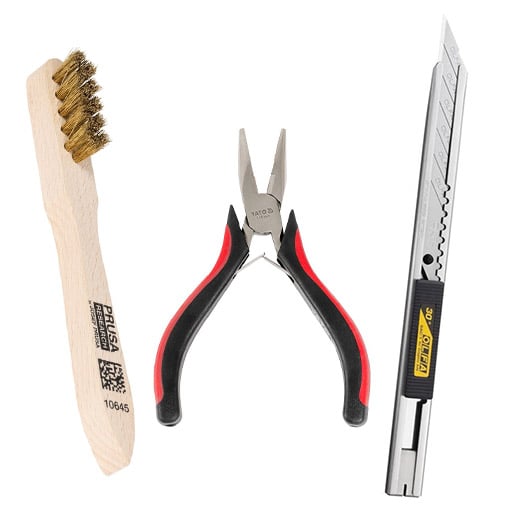
Essential Hand Tools

Every maker's desk needs a few basics. A good pair of flush cutters (for removing support material), needle-nose pliers, and a set of hex keys will cover almost every daily task and minor maintenance job.

Brush, clamps and a knife
Shop Accessories

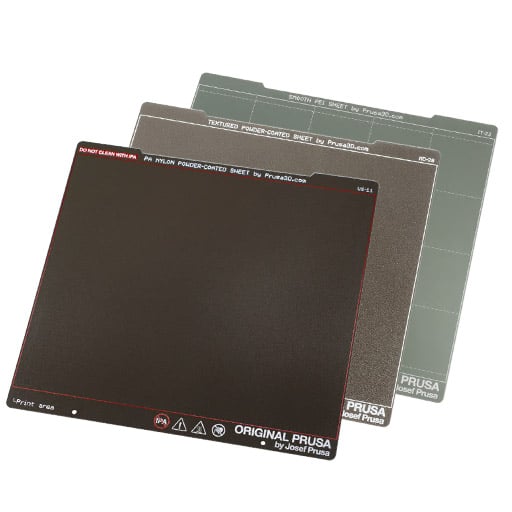
Interchangeable Print Sheets

Different materials stick best to different surfaces. Having a mix of Smooth, Textured, or Satin spring steel sheets lets you easily pop off finished prints and gives the bottom of your models a beautiful, professional finish.

Bottle of Isopropyl Alcohol and paper towels next to a 3D printer
Find More Print Sheets

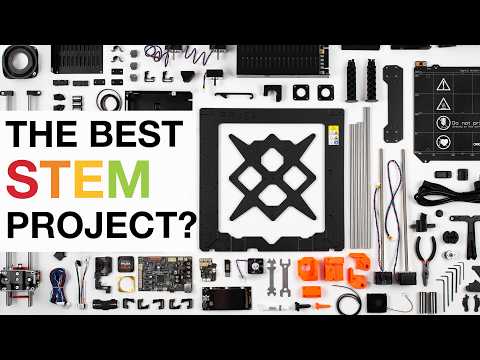
Watch How It Works:

Frequently Asked Questions

Quick, direct answers to the most common questions about choosing, running, and maintaining a 3D printer.

Continue Your 3D Printing Journey

Ready to Choose Your 3D Printer?

We hope this guide helped you figure out exactly what you need. As we admitted up front, we make 3D printers, so we are obviously going to recommend our own! If you are still researching, we highly encourage you to watch independent YouTube reviews or ask around the community. But if you are ready to see how our machines stack up against your new checklist, we would love to show you what we have.